14/22 SUPPORTED AUDIO CODECS
SUPPORTED AUDIO CODECS
Within the A2DP profile, Free BYRD suppos the audio codecs SBC, AAC and aptX™
Adaptive. The highe audio quality is oered by aptX™ Adaptive.
Please note that only the codecs available in the playback device can be used for audio
transmission.
The playback device and Free BYRD automatically agree on the be mutually available
codec in the following order:
1. aptX™ Adaptive
2. aptX™
3. AAC
4. SBC
Mo playback devices do not show which codec is actively in use.
OPERATION
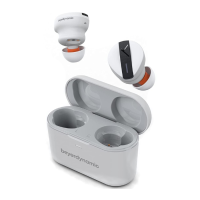
Free BYRD can be operated via the integrated Touch Inteace by slightly tapping the
beyerdynamic Y.
Connecting to a device via Bluetooth®
Before the product can be used, it mu be connected to a mobile phone or other
Bluetooth®-enabled device. The connection process may dier depending on the device.
► Refer to the operating inructions of the device to which the product is to be
connected.
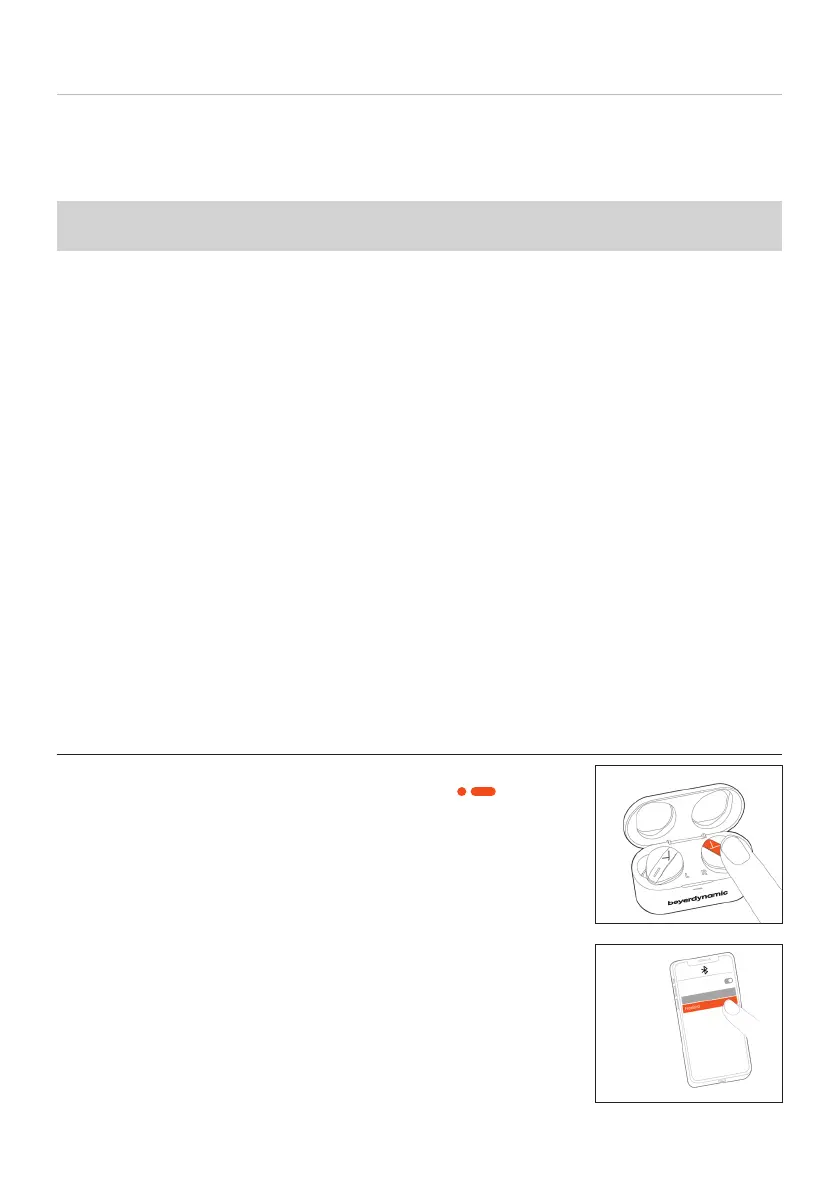
To peorm Pairing
While the earphones are in the charging case, tap the le
or right Touch twice and hold the second time ( ) until
the LEDs flash alternately orange and blue.
Select Free BYRD in the pairing li on your smaphone.










 To Next Page