16/22 Operation
Playing media
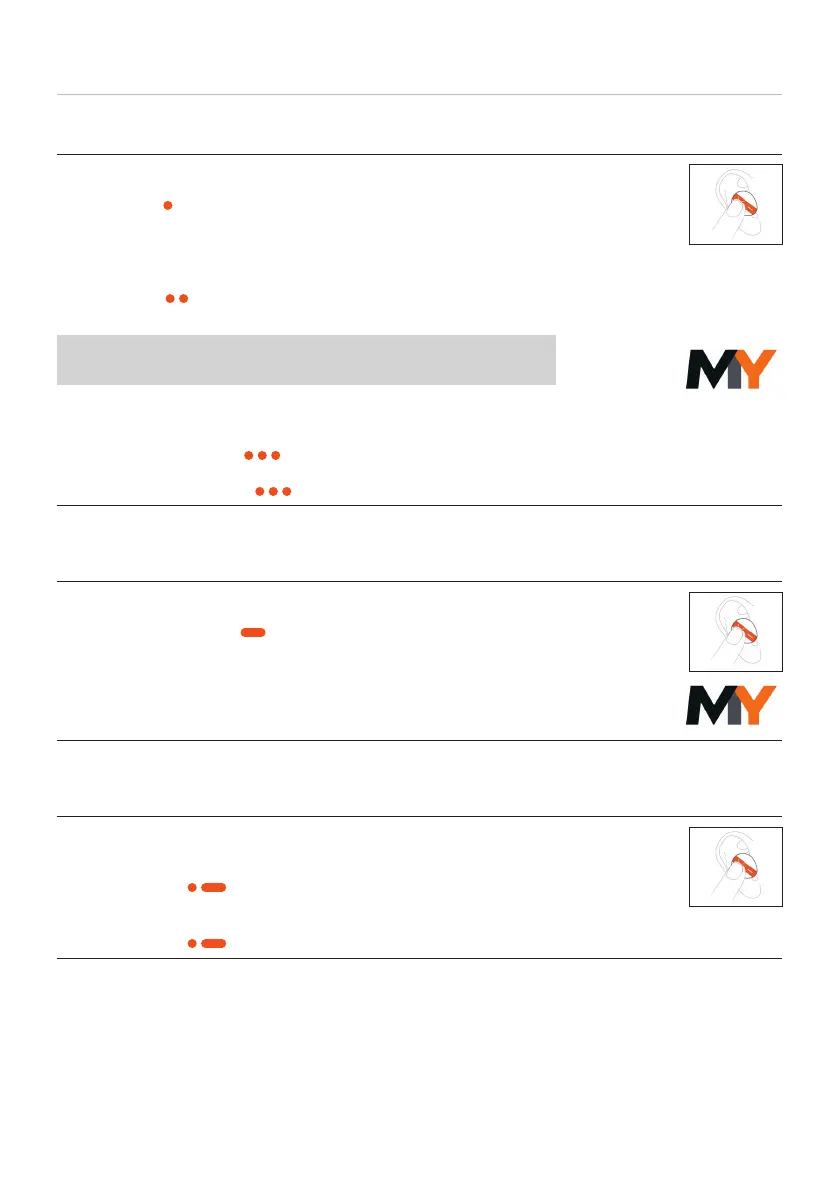
To a / pause playback:
► Tap once (
) to a or op sound reproduction.
To switch between noise cancelling (ANC) and transparency
mode
► Tap twice (
) to switch between active noise cancellation
(ANC) and transparency mode.
Noise cancellation and transparency mode can be
deactivated in the MIY App.
Playing the previous / next track
► Tap le three times (
) to play the previous track.
► Tap right three times ( ) to play the next track.
Switching on voice assiant
To switch on voice assiant:
► Tap and hold once (
) to activate the voice assiant.
► To use the Alexa voice assiant, you mu select it once in
the MIY App.
Adjuing the volume
To increase / decrease the volume:
► To increase the volume, tap twice right and hold the
second time (
).
► To decrease the volume, tap twice le and hold the
second time ( ).














 To Next Page