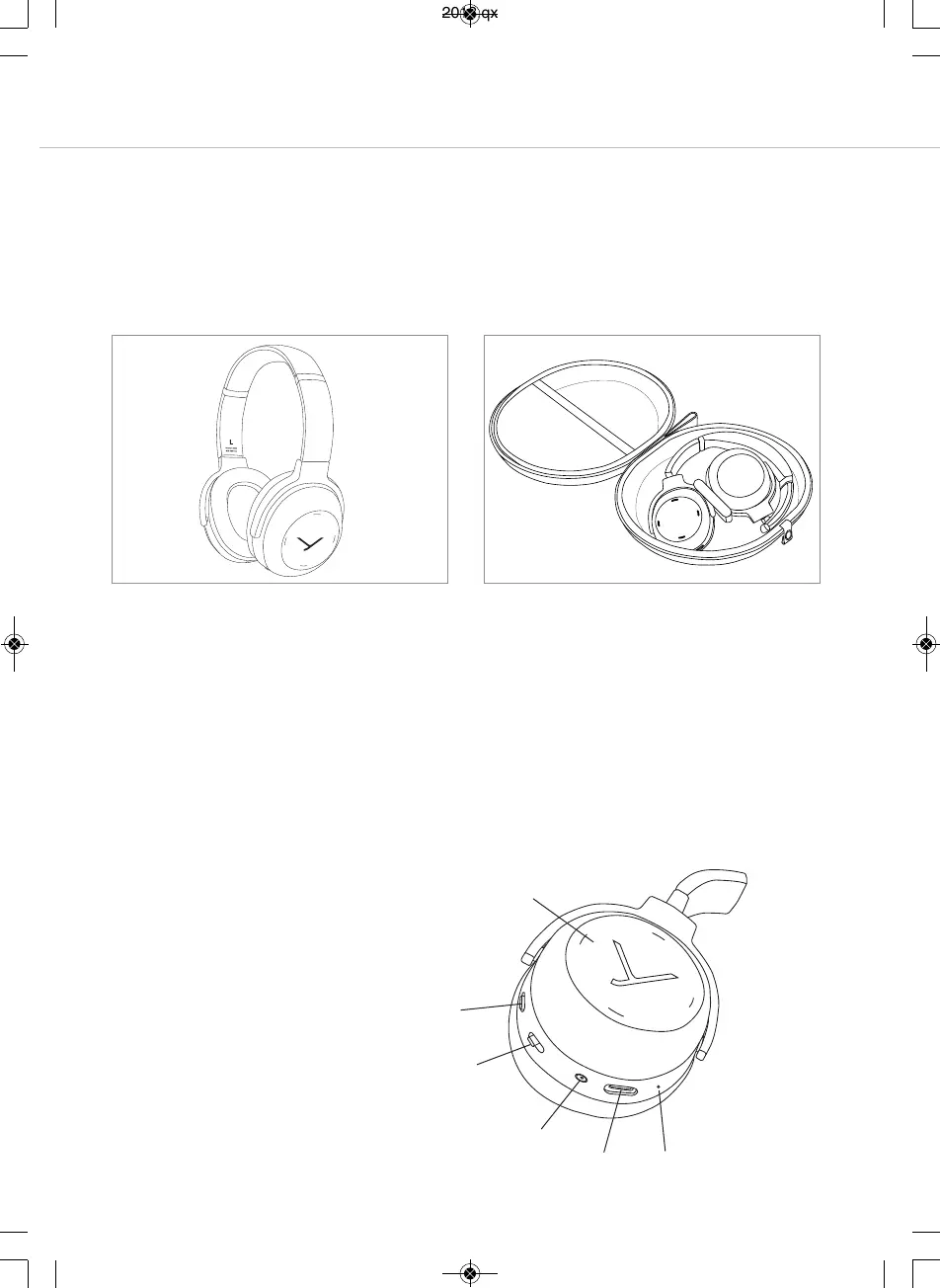
Operating elements
Touch pad
Switch ANC function
On-o switch and pairing
Mini jack connector (3.5 mm)
USB connection for charging
cable, (USB-C)
Microphone
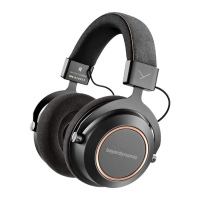
Lagoon ANC – Bluetooth Headphones
6
Removal from the packaging
•
Open the hard case and remove the head-
p
hones.
• Rotate the two housing shells inwards so that
the ear pads are facing each other.
Storage and removal from the packaging
S
torage
•
Rotate the two housing shells outwards and
into each other, so that the right ear cup with
t
he jack connection is on the outside.
•
Put the headphones into the hard case with
the ear pads pointing downwards.
beyerdynamic MIY app
By using the beyerdynamic MIY app you can personalise your headphones. The app is available for
Apple iOS and Android and can be downloaded from both the Apple App Store and the Google Play
Store.
Note firmware version 1.0
The following descriptions refer to the andard settings and to the firmware version 1.0 inalled on the
present Bluetooth headphones.
MAN_Lagoon-ANC-QSG_EN-DE-KO-RU_November_2018.qxp 19.11.18 09:21 Seite 6



 To Next Page