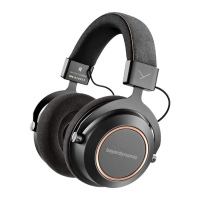
Lagoon ANC – Bluetooth Headphones
7
english
Light-Guide-Syem (LGS)
In the housing shells there is a so-called Light Guide Syem (LGS). The LGS is a visual display indicating
various operating conditions.
I
n order to activate the LGS, please switch on the headphones.
• As soon as the headphones are picked up, the inside of the right housing shell will illuminate red and
the le one will illuminate white.
•
If the headphones are ored e.g. on a table, the andby mode will be activated aer more than
10 seconds and the LGS will be turned o. The Bluetooth connection ill remains.
• In the pairing mode, the right and le housing shell alternately light up blue.
•
A successful pairing is indicated by a blue light fading in.
F
or more information, please refer to the “Light Guide Syem” table.
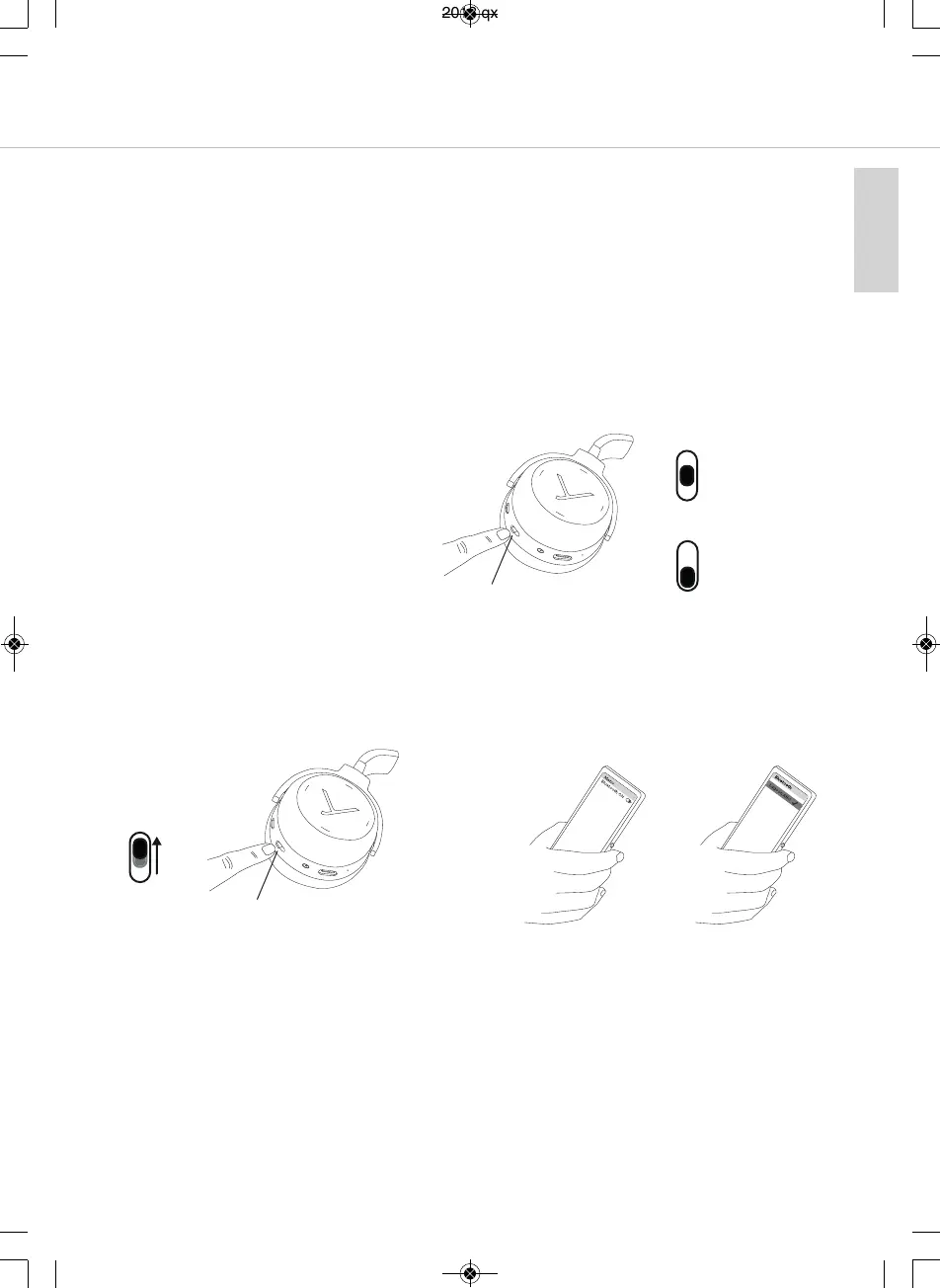
Turning on / o
• Turning on
Set the switch to the “On” position.
• Turning o
Set the switch to the “O” position.
“On” position
“O” position
Pairing with the player
Before you use the headphones for the fir time, you have to pair them with your mobile phone or
another Bluetooth enabled device. The pairing process may be dierent with various players. Please
refer to the appropriate manual of the player.
3. Activate the Bluetooth function on the
player and, if necessary, search for new
devices.
4. Select “Lagoon ANC” from the available
devices in the Bluetooth menu of the player
and connect both devices.
5. The Light Guide Syem displays a success-
ful Bluetooth connection by a blue light
fading in. Each time when turning on, both
devices connect automatically when in
range.
1. Set the switch to the “On” position.
2. Set the switch for three seconds to the
“Pairing” position.
The Light Guide Syem displays the pairing
mode by flashing blue alternately in the le
and right housing shell.
“Pairing” position
MAN_Lagoon-ANC-QSG_EN-DE-KO-RU_November_2018.qxp 19.11.18 09:21 Seite 7



 To Next Page