Quinta – Microphone Units
22
4.3 Request-to-Talk Mode
• This operating mode is only possible in conjunction with a PC
using the Quinta Conference software or a media control
system (AMX
®
, Crestron
®
, Cue etc.).
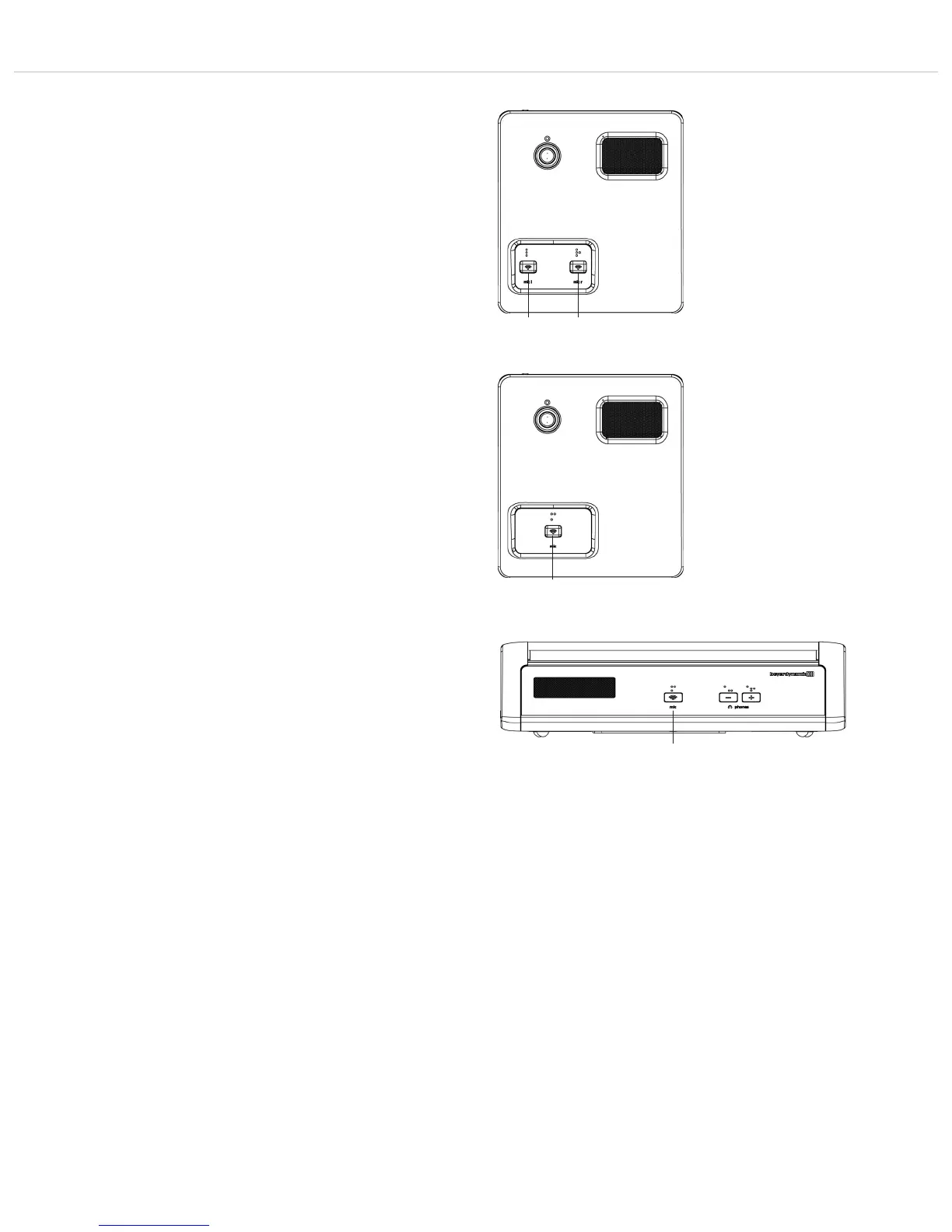
• The request-to-talk is registered in the system by pressing the
microphone button of the microphone unit.
• The allocation is made by the operator at the PC or touch screen
of the media control system.
• The microphone button is illuminated red to indicate the
request-to-talk.
• If you press the microphone button again, the request-to-
talk is cleared. The backlit microphone button will illuminate
white.
Quinta MU 22 Double Delegate Microphone Unit
Quinta MU 21 Delegate Microphone Unit
Quinta MU 31 Delegate Microphone Unit












 To Next Page