Quinta – Trouble Shooting
35
Problem Possible Cause Solution
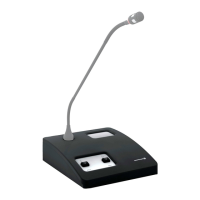
Microphone unit cannot be switched off • “Manual Power Off” function is
deactivated
• Operating mode “Push-To-Talk” or “Voice
activated” is active
• Crash of the microcontroller inside the
microphone unit
• Activate the “Manual Power Off” function
with the Quinta Conference Software or
Quinta Web Server
• Deactivate the operating mode “Push-To-
Talk” or “Voice activated” with the Quinta
Conference Software or Quinta Web Server
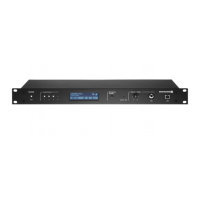
• Switch off the microphone units via the
control unit by pressing the Clear/Standby
button for more than 3 seconds
• Switch off the control unit. The microphone
units will go off after approx. 3 minutes.
• Press the reset button on the bottom of the
microphone unit
Headphone output of the microphone unit
does not work
• Microphone unit is not switched on
• Headphone or recorder is not connected
properly
• Check the volume setting with the Quinta
Conference Software or Quinta Web Server
• Switch on the microphone unit
• Connect the headphone or recorder
properly
• Increase the volume with the Quinta
Conference Software or Quinta Web Server
Feedback • Check the external loudspeakers • Correct the volume and position of the
loudspeakers
Interferences, noise • Check the audio level
• Microphone unit is not within the range
of the control unit
• Check the line of sight between micro-
phone unit and antenna
• Reduce the input level of the control unit
• Reduce the distance between control unit
and microphone units
• Remove obstacles between microphone
units and antennae; do not place any
objects in front of the antennae of the
control unit
Short drop-outs • Interferences caused by devices such as
Wireless LAN
• Select another frequency band with the
Quinta Conference Software, Quinta Web
Server or via the push-button for RF
frequency band selection on the front of
the Quinta CU control unit. Refer also to
chapter 8.1.




 To Next Page