VoIP X
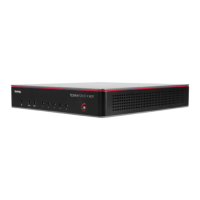
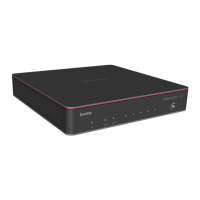
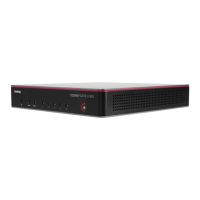
TesiraFORTÉ X hosts our next generation VoIP interface,
adding enhanced security features as well as support
for other new VoIP features including the Opus audio
codec. Forte X no longer supports the G.723 codec.
TesiraFORTÉ X VoIP supports 1 line with 2 call instances.
VoIP X supports all current Tesira VoIP vendors,
except Skype for Business.
The HD-1 dialer is compatible with TesiraFORTÉ X and
can be connected via ports 2-5. In Launch-configured systems, the HD-1 is automatically provisioned provided the HD-1
device ID is at the default "HD-1ID 01".
TesiraFORTÉ X VoIP is entirely software-based and is configured solely via an internally-served web page. The web
page can be opened by connecting to the device directly via its IP addresses and choosing the VoIP > Line Setup pages
or double-clicking on the Control/Status block in Tesira software (manually-configured systems only).
TesiraFORTÉ X port 1 is dedicated to Control and VoIP in the default network configuration, with both sharing a single
IP address. If VoIP is required to be on a separate VLAN, VLAN assignment is allowed for the VoIP interface. When a
VLAN is assigned to VoIP a unique IP address is available for the VoIP interface, independent of the control IP address
and subnet range. Only one Gateway address can be used by the device, so the VoIP Gateway should be be applied
and others left undefined or set to match the VoIP gateway. Control and VoIP still share a common network port (P1) but
are now logically separated.
Troubleshooting VoIP X:
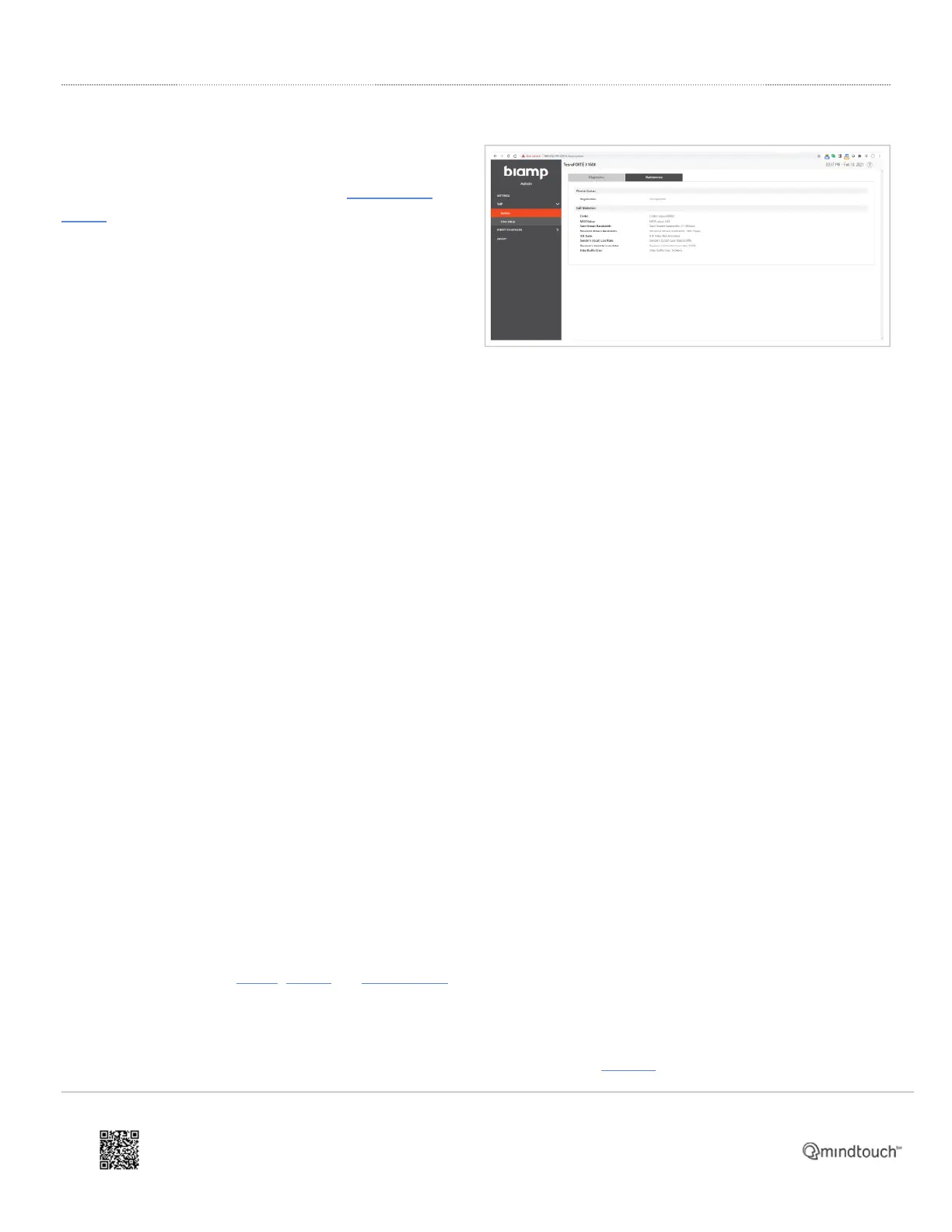
• Line registration status can be seen in real-time on the VoIP > System webpage's Diagnostics tab. Feedback on
line registration progress and call status is visible on the HD-1 display and on the Audio webpage in a Launch-
configured device.
• VoIP X features include an ASCII VoIP log which will capture log all traffic including SIP and RTP traffic. It will be
possible to select pre or post TLS encryption in logging in the VoIP endpoint. VoIP logging is managed on the VoIP
> System webpage's Maintenance tab. Logs are not displayed in real-time but can be downloaded at any time by
clicking Control-Shift-F12 to reveal the "Download Logs" button. A program such as Windows Notepad++ is
helpful for viewing logs.
• The current VoIP X configuration may be downloaded via the DOWNLOAD button on the VoIP > Line Setup
webpage's SIP Config tab. (requires firmware 4.2 or later)
The VoIP X interface allows users to upload a custom ringtone file (wav format) in addition to its default ringtones.
In TesiraFORTÉ X VoIP, SRTP, ZRTP and SRTP-DTLS are supported for media encryption. The media security
mechanisms are mutually exclusive. ZRTP and SRTP-DTLS are new RTP security mechanisms available in TesiraForte
X, while older Tesira VoIP interfaces support only SRTP.
In TesiraFORTÉ X VoIP, SSL/TLS are supported for SIP signaling encryption. TLS 1.2 is supported and is downward
https://support.biamp.com/Tesira/Miscellaneous/TesiraFORTE_X
Updated: Thu, 01 Dec 2022 17:48:44 GMT
Powered by
11


 To Next Page
 Loading...