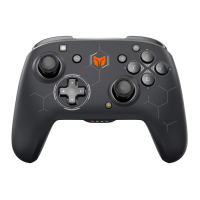
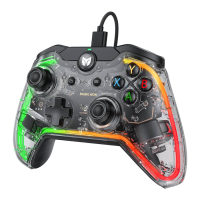
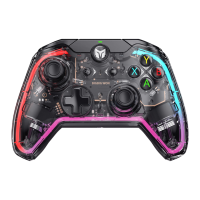
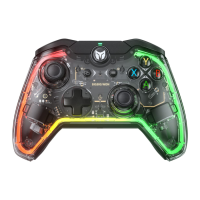
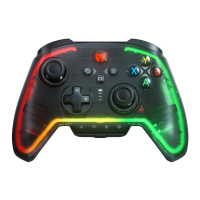
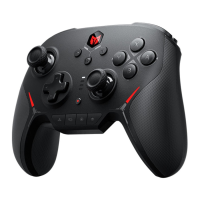
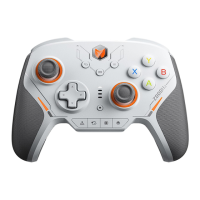
Xbox Series X | S / Xbox One / Switch / Win 10/11
PACKAGE
CONTENTS
SUPPORTED
CONTROLLER
SUPPORTED
PLATFORM
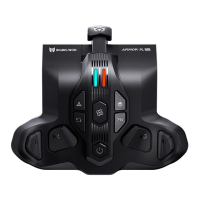
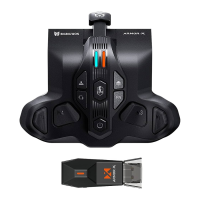
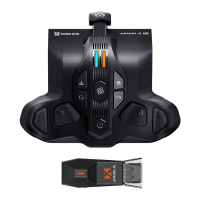
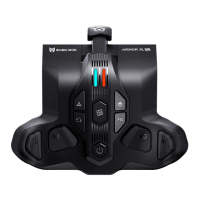
BIGBIGWONARMORX ProWirelessBackButton/USB Wireless Adapter
TYPE-C Data Cable/User Manual/Qualified Certification
Xbox Series Controller
CustomizethebuttonfunctionsofyourARMORXProbackbuttonwithBIGBIG
WONELITEAPP,anda seriesfunctionscanbesetsuchasMacro,on-board
configuration,mappingbackbuttons,motioncontrolandmore.
www.bigbigwon.com/support
BIGBIG WON ELITE APP
iOS 13(or higher) / Android 11(or higher)
The ELITE APP needs internet, Bluetooth permission and location permission.
Please APP get these permission when install. If there is no prompt please open it in
your mobile phone’s system or the APP can not connect to your device.
BIGBIG WON ELITE APP REQUIREMENTS APP
EnsurethattheARMORXProisconnectedwith yourcontrollersuccessfully.
TTurnonthe mobiledevice'sBluetoothfunction.
Press “ARMORX Pro” to connect your ARMORX Pro.
After the connection is successful, you can set many custom functions for your
device.
CONNECT BIGBIG WON ELITE APP
1.
2.
3.
4.


 To Next Page