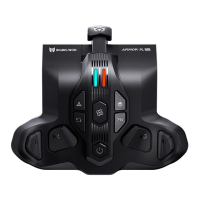
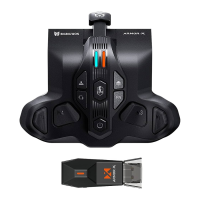
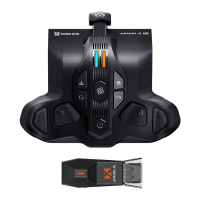
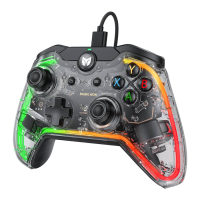
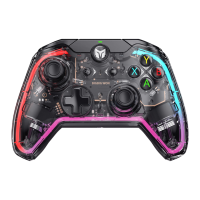
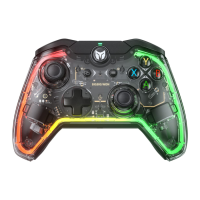
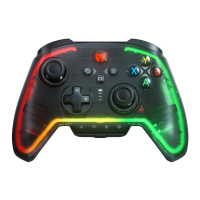
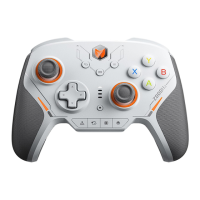
Put the Xbox Series controller that is already attached to the ARMORX Pro on the
horizontal desk and press the + of the Xbox Series controller. The LED2 will
slowly flash in purple. The LED2 flashes twice and turns off means the calibration is
successful.
THE CALIBRATION OF GYROSCOPE
1. MAPPING SETTING:
Press + (M1/M2/M3/M4) to enter the mapping mode. The LED2 will breathe in
green. Then press the target button, the LED2 will flash twice. The mapping is
success.
2. THE BUTTONS SUPPORT MAPPING:
ABXY,D-pad, LT/RT/LB/RB, M1-M4, RS/LS, menu, view, share.
3. CANCEL MAPPING:
Hold the button that needs to be canceled ( M1-M4 ) and double click the ,
LED2 will flash twice in green means cancel success.
4. CANCEL ALL MAPPING:
Double click the , LED2 will flash twice in green means cancel success.
MAPPING BUTTON
1. TURBO SETTING:
Hold + the button needs TURBO to open the TURBO function. The controller
will shake for 0.2 seconds and LED2 will flash twice in orange.
2. THE BUTTONS SUPPORT TURBO:
ABXY,D-pad, LT/RT/LB/RB, M1-M4, RS/LS.
3. CANCEL TURBO:
Hold the button that needs to be canceled + double click the ; the LED2 will
flash twice in orange..
4. CANCEL ALL BUTTONS’ TURBO:
Double click the , LED2 will flash twice in orange and all TURBO will be
canceled.
5. CHANGE THE FREQUENCY OF TURBO:
Hold + ↑ to change the frequency in 5/s, 10/s, 20/s
(The TURBO frequency won’t be changed by on-board profiles).
TURBO BUTTON


 To Next Page