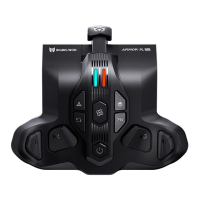
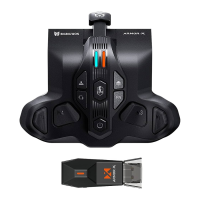
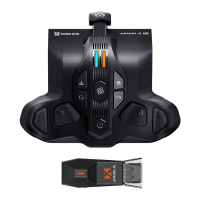
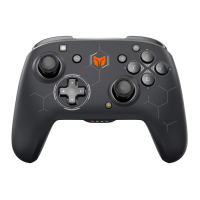
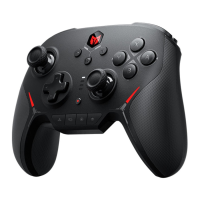
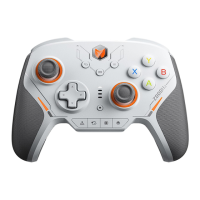
1. MACRO RECORDING:
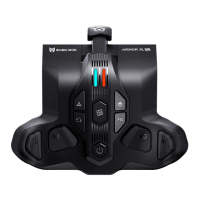
Press + (M1/M2/M3/M4), the LED2 will breathe in red the ARMORX Pro enters
recording mode. Press the buttons on the controller after the recording is finished
click once LED2 will flash twice means end recording. The LED2 will slowly
flash during the MACRO is being executed.
2. THE BUTTONS SUPPORT RECORDING:
ABXY,D-pad, LT/RT/LB/RB, M1-M4, RS/LS, joystick.
3. CANCEL MACRO:
Hold the button need to be canceled (M1-M4) and double click the , LED2 will
flash twice in red means cancel success.
4. CANCEL ALL MACRO:
Double click the , LED2 will flash twice in red means cancel success.
MACRO RECORDINGN
1. Press + ← to change the vibration intensity of trigger motor. 4 gears vibration
intensity can be changed cyclically: strong, medium, weak, off.
2. Press + → to change the vibration intensity of handle motor. 4 gears vibration
intensity can be changed cyclically: strong, medium, weak, off.
ADJUSTMENT OF RUMBLE MOTOR
ARMORX Pro has 3 on-board profiles can be cycle switched by click the .
The color of LED1 on the left side shows different profiles.
1. Orange is the first profile.
2. Green is the second profile.
3. Blue is the third profile.
ON-BOARD PROFILE


 To Next Page