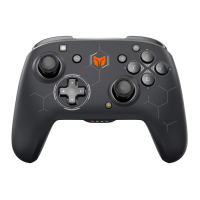
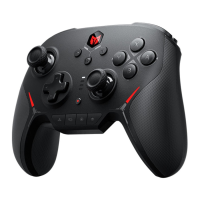
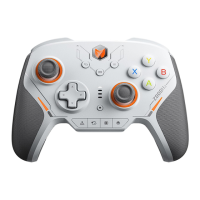
GALE WIRELESS CONTROLLER
The PC Tool allows you to customize the controller's parameters in real time, upgrade its firmware, and more. After
downloading the PC Tool, you can unlock more new features of the controller, including adjusting joystick dead
zones, visually editing macros, adjusting parameters that simulate motion control, toggling the rate of return,
adjusting vibration, and more.
PC TOOL Download:https://www.bigbigwon.com/support/controller/gale-app/
Press HOME button for 2 seconds to turn on/off the controller.
TURN ON/OFF
There are three connection methods for this controllers, 2.4G connection/Bluetooth connection/wired connection.
IThe connection methods are described as follows:
2.4G connection:
1. With the controller turned on, press and hold the pairing button on the back of the controller for 3 seconds; the
indicator light on the home button will flash to indicate that it is in the pairing mode.
CONNECTION
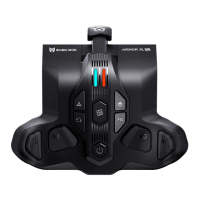
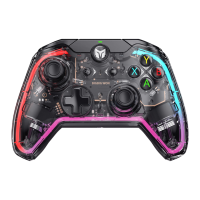
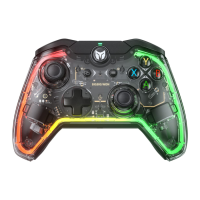
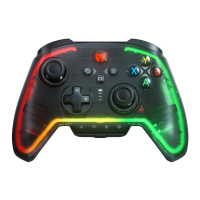
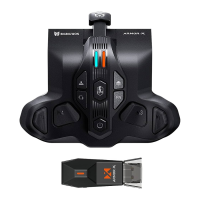
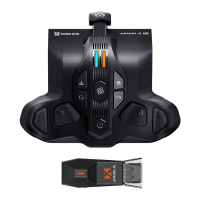
Gale Wireless Controller *1 / 2.4G Adapter *1 / User Manual *1 / After-sales Card *1
Qualified Certification *1 / USB Cable *1
Switch / win10/11 / Android / iOS
IN-THE-BOX
SUPPORTED
PLATFORM



 To Next Page