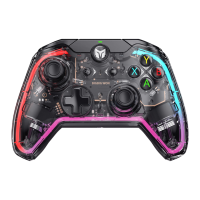
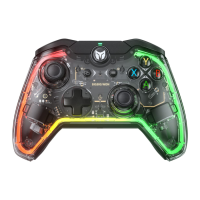
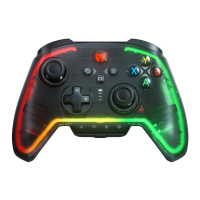
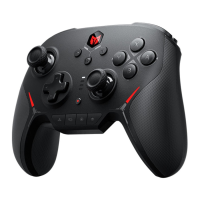
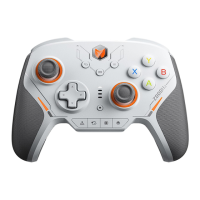
When the controller's gyroscope drifts, you can try to calibrate the gyroscope as follows:
1. Place the controller horizontally on the desktop and press the Menu and Screenshot button at the same time,
the HOME button indicator will breathe purple, which means it enters the calibration mode.
2. Wait for a few moments for the HOME button indicator to double flash in purple, which means the calibration is
complete.
GYROSCOPE CALIBRATION
The vibration motor can be turned on and off by pressing FN + →.
PC Tool: The shortcut settings only control the vibration on and off. After downloading the PC Tool, you can also
adjust the start/maximum intensity of the vibration by using it.
VIBRATION CONTROL
In Xinput mode, you can adjust the volume of the PC by pressing FN + ↑ / ↓.
(PC volume adjustment is only supported in Xinput mode)
VOLUME ADJUSTMENT
PC Tools: The joystick supports Joystick Dynamic Calibration, which can be turned on or off from within PC Tools.
This feature can be turned on or off in the PC tool. When this feature is turned on, the joystick is calibrated in
real-time by comparing the center point of each joystick return; joysticks equipped with this technology can
achieve relatively equal amount of drift in all directions, up, down, left, right, and left.
(0 dead zone joysticks have physical drift that cannot be avoided).



 To Next Page