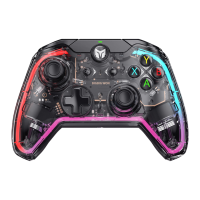
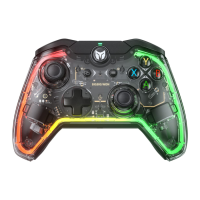
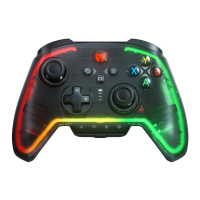
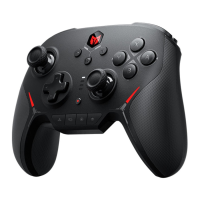
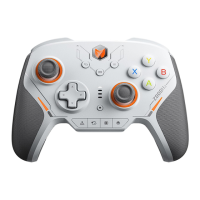
The default setting of this controller has a certain amount of joystick dead zone, users who have the need for 0 dead
zone can press FN + press down left OR right joysticks (LS/RS) to switch the 0/10 dead zone of the left and right
joysticks respectively.
Note: If the joystick has 0 deadzone, it means higher control precision, but it will also lead to joystick drift in games
with no deadzone.
PC Tool: With the PC tool, you can make more settings for the dead zone of the joystick, and it also supports
settings such as joystick curve, dead zone compensation, and so on.
DEADZONE OF JOYSTICK
When the joystick drifts severely, cannot be pushed to the maximum value, the trigger fires automatically, or the
trigger fails to reach the maximum linear value, you can try to calibrate the joystick and trigger as follows:
1. Press and hold the View button + Menu button for 3 seconds, the HOME button indicator light breathes white,
which means it is in calibration mode.
2. Push the joystick to the maximum value and turn in a circle at an even speed, repeat 3-5 times.
3. Press LT/RT to the maximum value and release, repeat 3-5 times.
4. Finally, press View + Menu at the same time, the HOME indicator will blink white to indicate that the calibration
is complete.
NOTE: Joystick Trigger Calibration is a complete set of calibration steps and all of the above steps must be
strictly completed or the calibration will fail.
JOYSTICK TRIGGER CALIBRATION
PC Tool: The shortcut setting only supports turbo setting for the eight buttons A/B/X/Y/LT/RT/LB/RB. After
downloading the PC Tool, you can set the turbo setting for all buttons of the controller.



 To Next Page