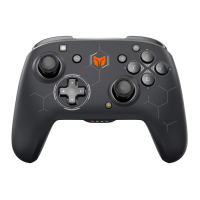
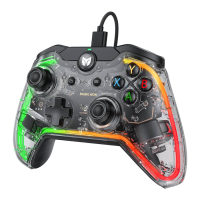
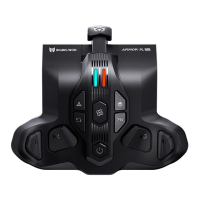
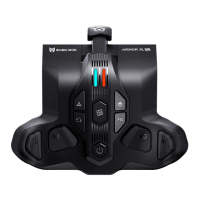
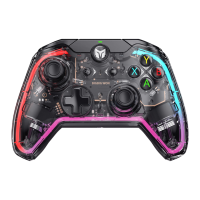
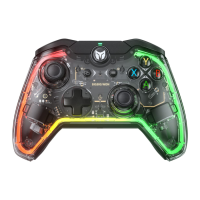
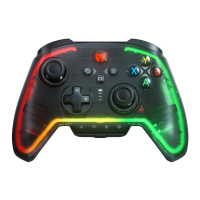
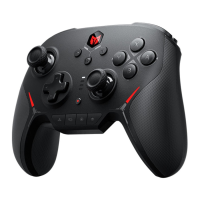
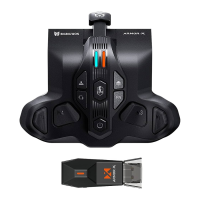
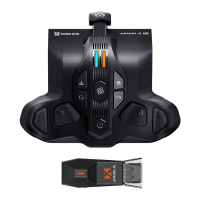
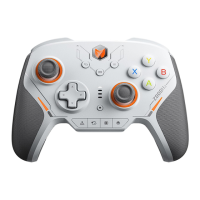
The controller is equipped with four remappable additional buttons and compatible with button mapping settings.
The settings are as follows:
Set Mapping:
1. Press and hold FN + (M1/M2/M3/M4) for 2 seconds, and the indicator of the FN button will begin to display
orange, indicating that it is in mapping mode;
2. Press the button on the front of the controller to be mapped to M1/M2/M3/M4 again and the FN indicator will
double flash orange to indicate that the mapping is complete.
Clear Mapping: Long press the "Button to be unmapped (M1/M2/M3/M4)" and double click the FN, the FN
indicator will blink orange to indicate that the button's mapping has been cleared.
PC Tool: The shortcut setting only supports mapping the value of the controller's buttons to the back buttons
(M1/M2/M3/M4), but you can modify all the buttons of the controller with the PC tool.
MAPPING
This controller supports setting turbo, and the supported buttons include A/B/X/Y/LT/RT/LB/RB a total of eight
buttons, and the setting methods are as follows:
Setting Turbos: Press and hold FN + "button to be set", the FN indicator will flash orange, which means it is turned
on successfully. When the turbo is triggered, the FN indicator will flash according to the turbo frequency.
Clear Turbo: Press and hold the "button to cancel turbo", double click FN, the FN indicator light will flash orange, it
means the turbo setting of this button has been cleared.
Turbo Frequency: Press and hold FN + ← to cycle between 5/s, 10/s and 20/s, default is 5/s.
TURBO



 To Next Page