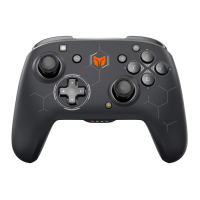
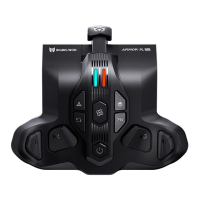
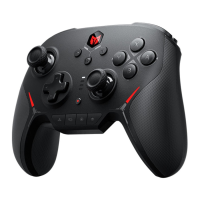
ENGLISH/イギリス語/英语
Connect to Switch Device via a USB Cable
a. To connect to Switch, please go to [System Settings] > [Controllers and Sensors] > [Pro
Controller Wired Communication] to enable this option.
b. Plug the Micro-USB cable to the port on Switch dock, or connect controller to Switch via a
OTG cable (sold separately).
c. The corresponding controller icon will show on the main interface of Switch. Mode indicator
stays red , and connected successfully.
CONNECT TO SWITCH DEVICES
BUTTON FUNCTIONS
GLOBAL GYRO
a. First long press the FN button, and then Press down Left Joystick / L3 button at the same
time. The mode indicator light turns into purple to show the left joystick global
gyroscope has been turned on. Repeat the step till the indicator went off above to turn it off.
b. First long press the FN button, and then Press down Right Joystick / R3 button at the same
time. The mode indicator light turns into purple to show the right joystick global
gyroscope has been turned on. Repeat the step till the indicator went off above to turn it off.
CONNECT TO WINDOWS 10 PC DEVICES
Connect to Windows 10 PC Device via a USB Cable
a. Plug the USB cable into PC port.
b. Mode indicator stays green , and connected successfully.


 To Next Page