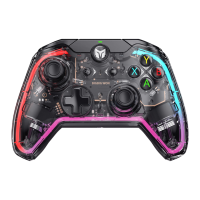
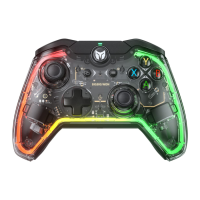
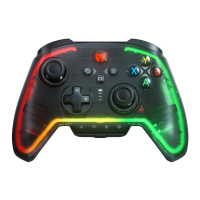
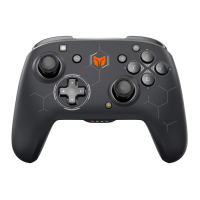
ENGLISH/イギリス語/英语
JOYSTICK DEAD ZONE ADJUST
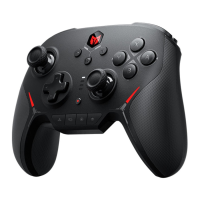
Connect the BIGBIG WON APP to respectively adjust the joystick dead zone of the
RAINBOW controller.
It is recommended to set a certain dead zone, otherwise the joystick may be drifting.
CUSTOM BUTTON FUNCTION
Connect the BIGBIG WON APP, you can customize the button function of the RAINBOW
controller.
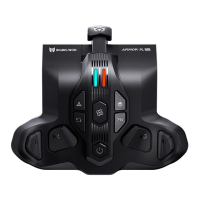
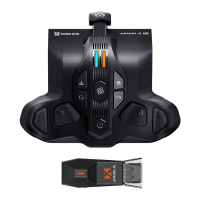
Back button (M1/M2/M3/M4) can obtain its button function by copying the other buttons.
The function buttons can also be deleted by copying the back buttons (M1/M2/M3/M4).
MOTOR VIBRATION INTENSITY ADJUSTMENT
a. The intensity of the motor vibration is divided into 4 levels of strong/medium/weak/off,
which can be switched cycularly, and the vibration intensity defaults to the highest gear.
b. Press and hold the FN button first and then press the right button of D-pad to adjust the
vibration intensity.
AURORA RGB LIGHTING EFFECT SWITCH
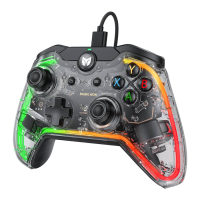
a. Double-click the FN button to quickly switch the controller lighting effects (please download
BIGBIG WON APP to enjoy rich lighting modes and custom light effects).
b. If there is no connection within 30 minutes, the light effect will be automatically turned off
and you can press any button to wake it up.


 To Next Page