
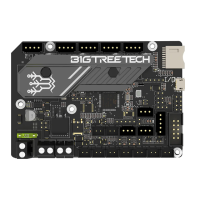
 Need help?
Do you have a question about the BIGTREETECH BTT SKR MINI E3 V3.0 and is the answer not in the manual?
 General
| Brand | BIGTREETECH |
|---|---|
| Model | BTT SKR MINI E3 V3.0 |
| Category | Motherboard |
| Language | English |
Describes the solid red state of the Power LED indicating normal power supply.
Explains the red blinking Status LED during firmware updates and its control by firmware.
Provides a detailed dimensional diagram of the BTT SKR MINI E3 V3.0 motherboard.
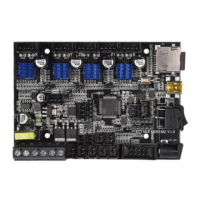
Illustrates the connection points and layout for various components on the motherboard.




 To Next Page