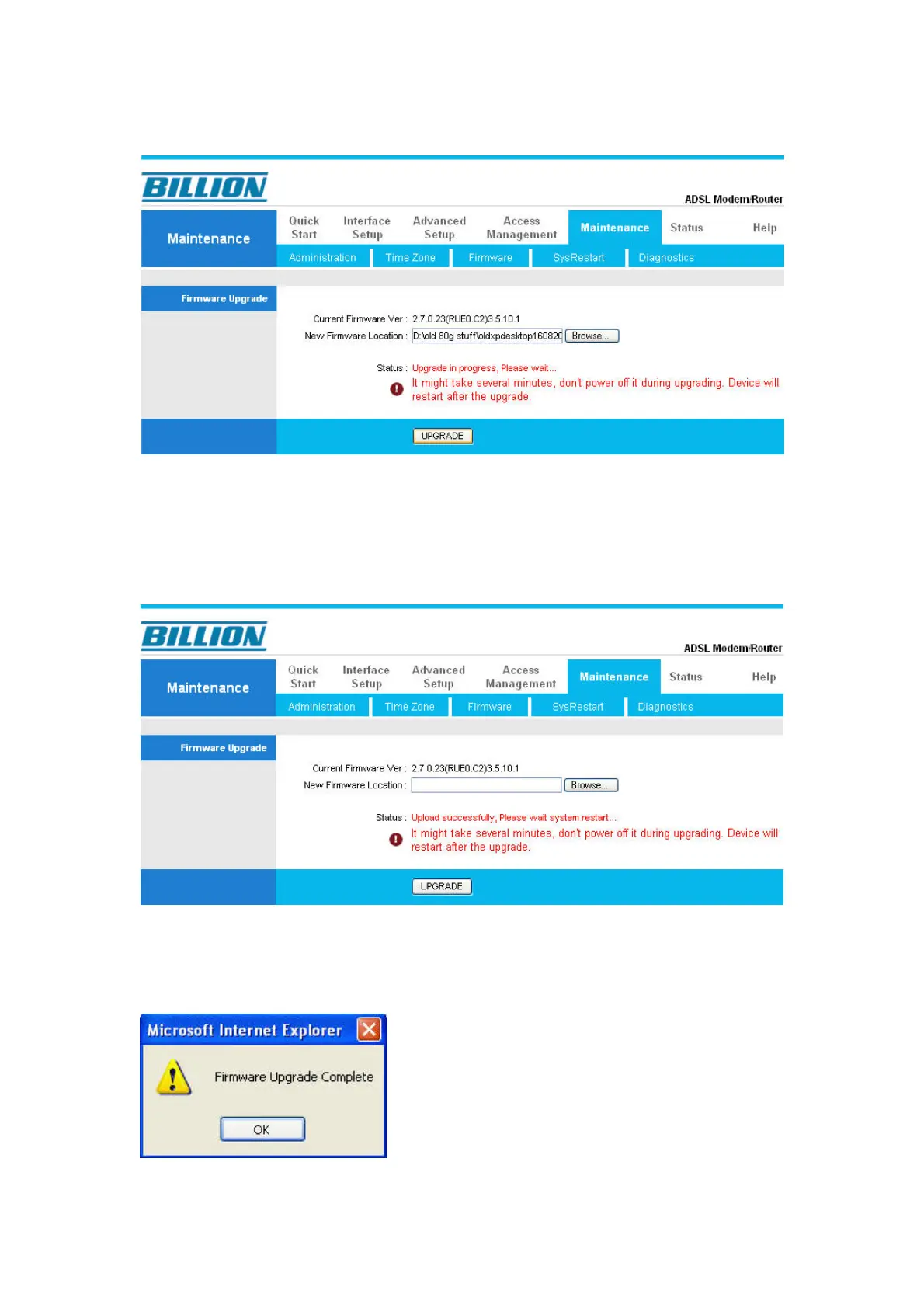
12) The firmware is being uploaded to the router now. Please do not interrupt it!
13) The firmware upgrade process will take around 5 minutes to complete.
Please do not interrupt the router or you computer during that. The router will
restart itself automatically when finished.
14) You should see the “Firmware Upgrade Complete” prompt once the upgrade
is completed successfully.




 To Next Page