VoIP/(802.11g) ADSL2+ (VPN) Firewall Router
Chapter 4: Configuration
110
OFFHOOK voltage to the lowest setting registered for all your telephones, e.g. if your telephones return
values of 4, 5 and 7 then you should set your OFFHOOK voltage to 4.
Note: The detected values will not automatically be set by the Check Level function; you must enter the lowest level
detected after testing all your telephones.
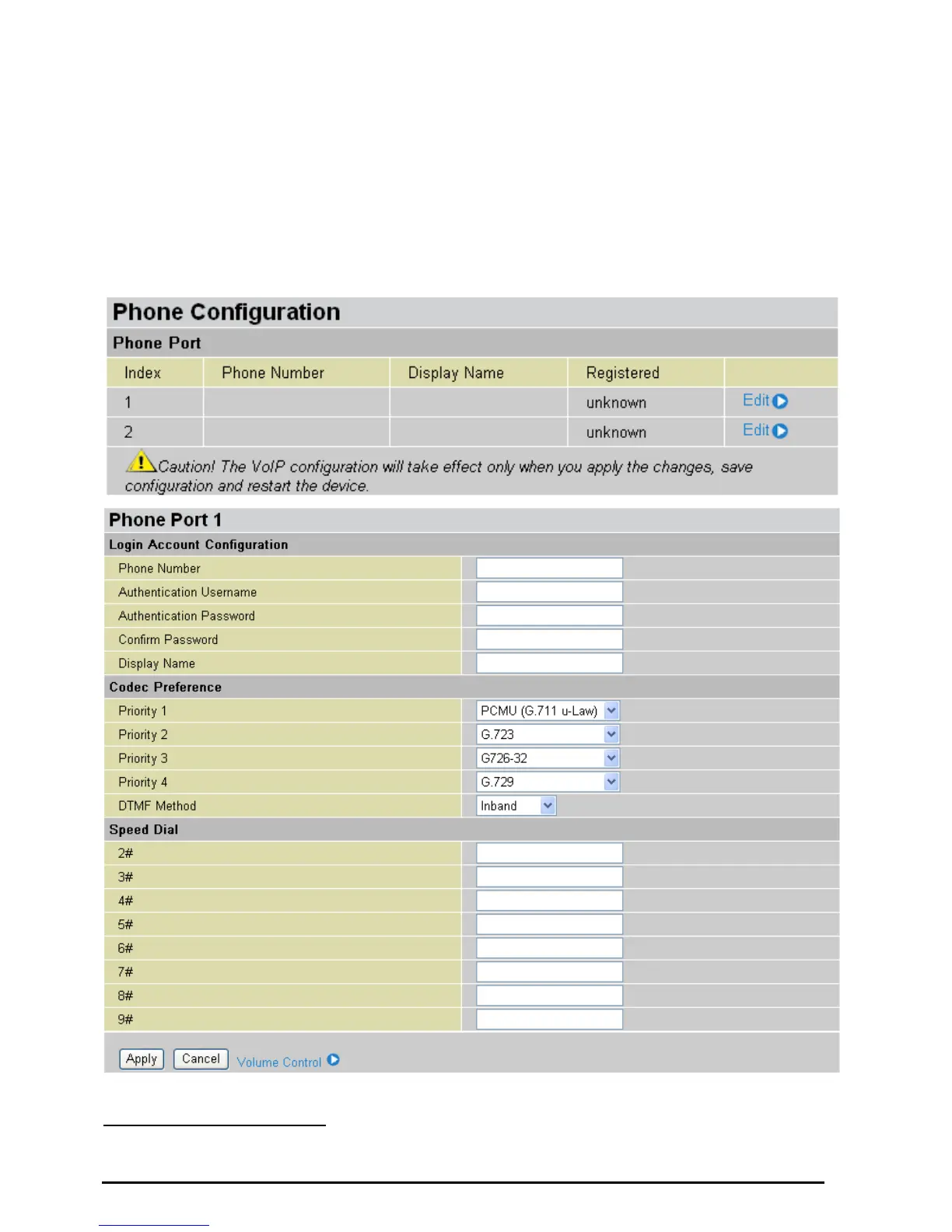
Phone Port
This section displays status and allows you to edit the account information of your Phones. Click Edit to
update your phone information.
Login Account Configuration
Phone Number: This parameter holds the registration ID of the user within the VoIP SIP registrar.













 To Next Page