VoIP/(802.11g) ADSL2+ (VPN) Firewall Router
Chapter 4: Configuration
54
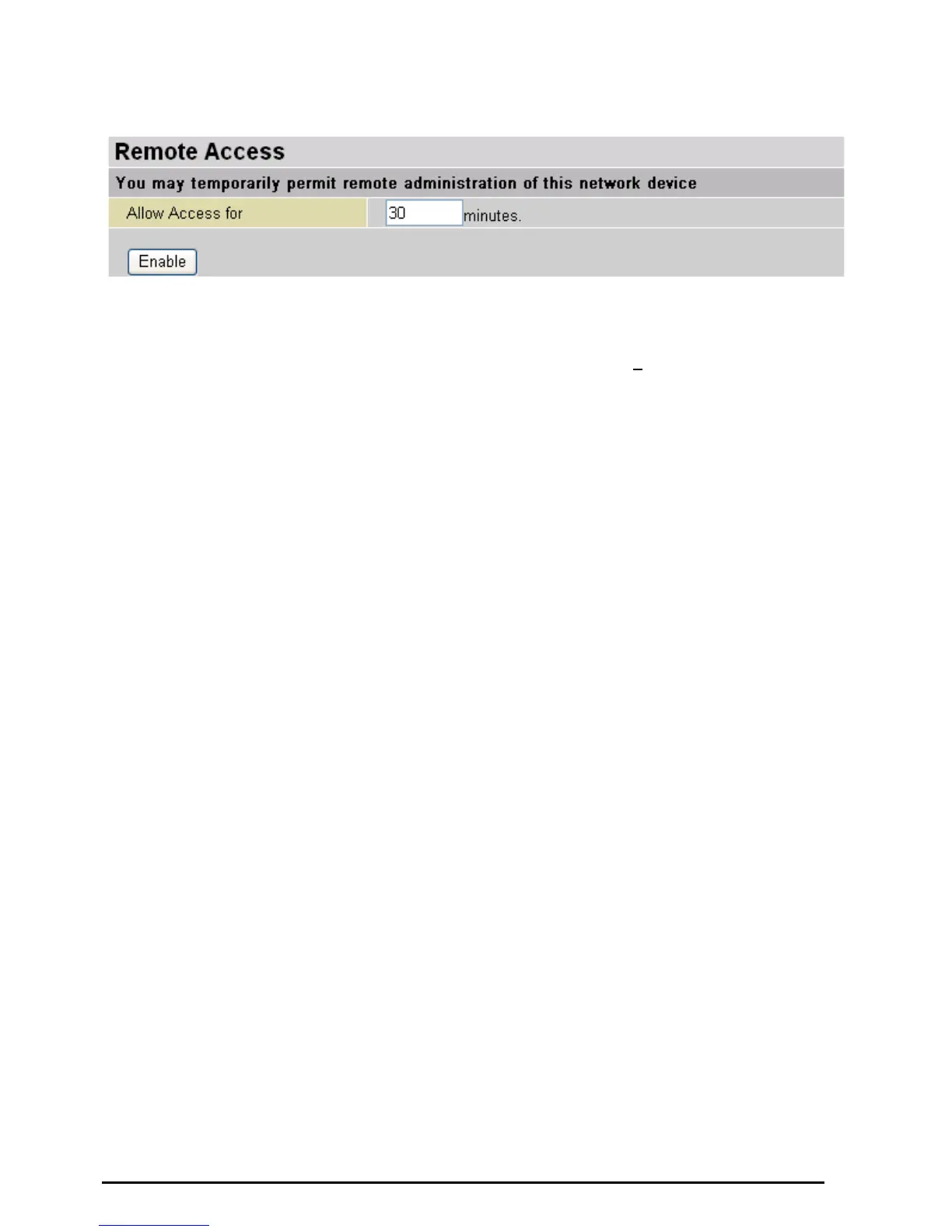
Remote Access
To temporarily permit remote administration of the router (i.e. from outside your LAN), select a time period
the router will permit remote access for and click Enable. You may change other configuration options for
the web administration interface using Device Management options in the Advanced section of the GUI.
If you wish to permanently enable remote access, choose a time period of 0
minute.













 To Next Page