22
4. If no button is pressed within 10 seconds,
theheadsetwillexitthecongurationand
go back to stand-by mode.
5. Ifyouwanttoexittheconguration
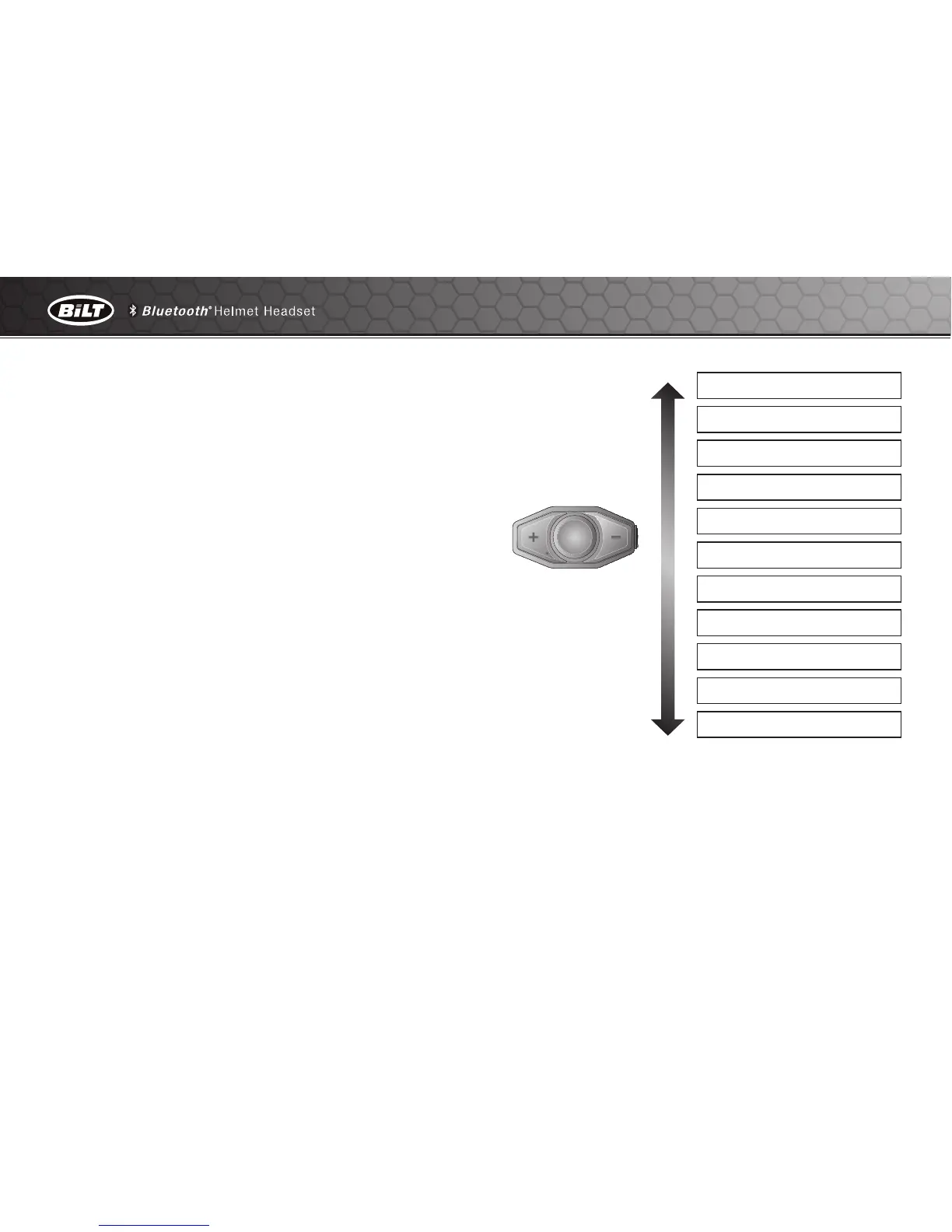
immediately, Tap the (+) Button or the (-)
Button until you hear a voice prompt, “Exit
conguration”, and tap the Center Button.
The voice prompt for each menu item is as
below:
(1) Phone pairing
(2) Multipoint Pairing
(3) Phone selective pairing
(4) Media selective pairing
(5) Speed dial
(6) Voice prompt
(7) Sidetone
(8) Noise control
(9) Delete all pairings
(10) Factory reset
(11) Exit conguration
Phone pairing
Multipoint Pairing
Phone selective pairing
Media selective pairing
Speed dial
Voice prompt
Sidetone
Noise control
Delete all pairings
Factory reset
Exit configuration


 To Next Page