Unpacking your MR600 Twin
In the box are:
◆
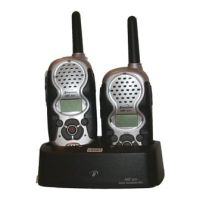
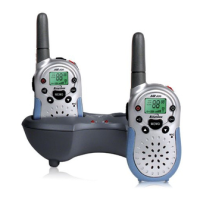
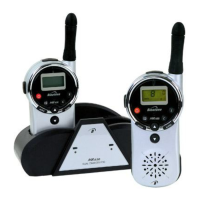
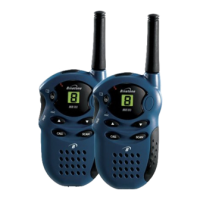
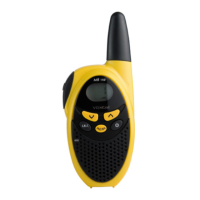
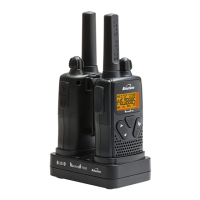
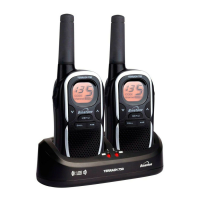
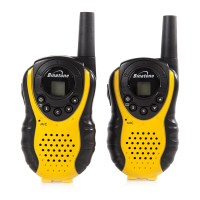
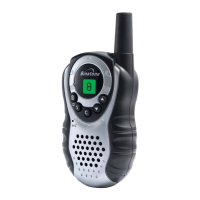
two MR600 handsets
◆
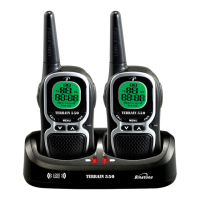
one dual charger pod
◆
one mains power lead with adapter, for the charger pod
◆
two hands-free headsets
◆
two rechargeable battery packs
◆
two belt clips
If you need help …
The Binatone Help Line is available from 9.00 am to 5.00 pm,
Monday to Friday, on 01325 304 473.
Please note
In the event of an incident or accident, the MR600 Twin cannot
be used for contacting Emergency or Rescue services.
Contents
Getting ready for use 2
Switching on and off 4
Volume control 4
Spare batteries 4
What you’ll see on the display 5
Channels and codes 6
Introduction
Setting the channel
Setting the CTCSS code
Safety warnings 7
Transmitting and receiving 8
To speak to another handset user
To listen to another handset user
Using VOX mode
Monitoring the current channel
Scanning channels
Call Ring tone
Locking the buttons
Other handset features 12
Turning key tones on and off
Auto-Power-Off (APO)
Using the handset as a stopwatch (Timer)
Using a hands-free kit 14
Safe hands-free use
Technical details 14
Troubleshooting 15
Cleaning and care 16
Index inside back cover
Binatone Help Line — 01325 304 473 1



 To Next Page