- 22 -
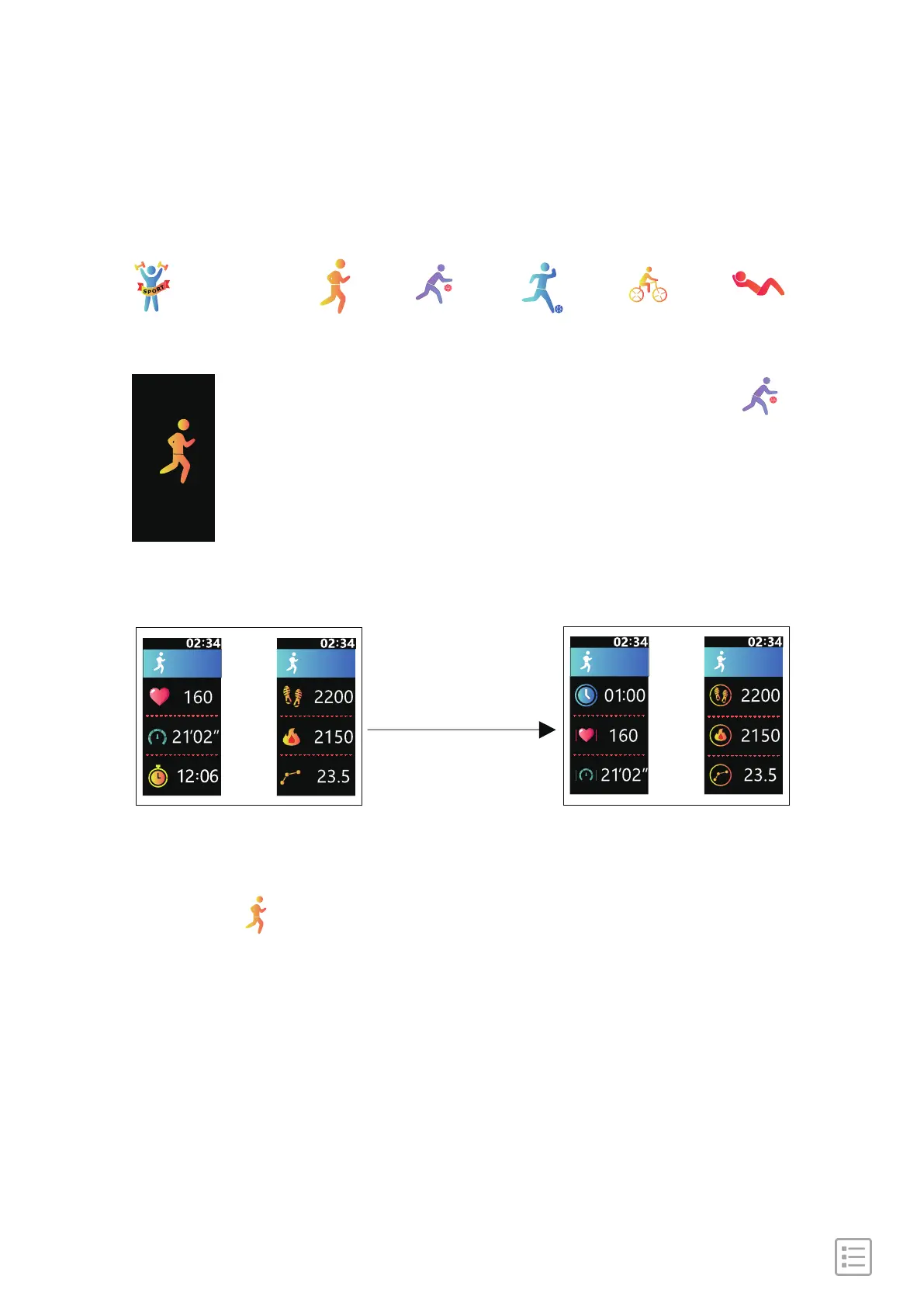
Multi-sports Mode
[Click the touch key] Go to the next sport mode: " ".
[Press and hold the touch key for 2s] Go to the
recording interface and the device starts to record
your exercise status.
[Press and hold] [Click] [Click] [Click] [Click]
Sports Running Basketball Football Cycling Sit-up
Sports Data Display ModeSports Recording Mode
[Press and hold]
[Click]
[Click]
[Press and hold the touch key for 2s again] Go back to the
interface: " " from "Sports Data Display Mode".
Remark: the operation steps are similar for other sports mode.


 To Next Page