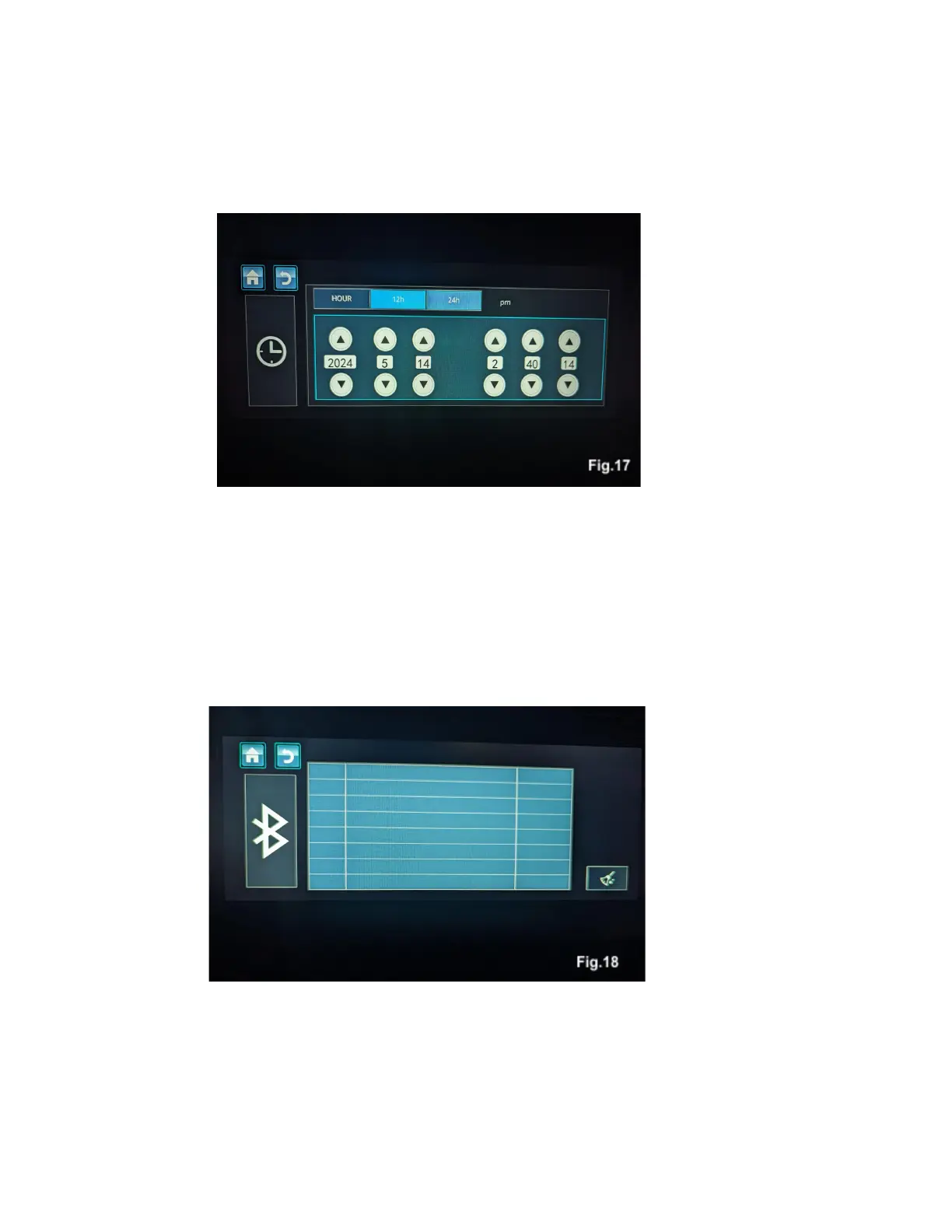
Date and Time
Touching the date and time icon will bring up a menu where time and date settings can be changed and
adjusted, Fig. 17.
Bluetooth
Touching the bluetooth icon will bring up your bluetooth management settings, Fig. 18. To connect a
bluetooth device, open the bluetooth settings menu on the device you want to connect, scan for devices,
and then select NEXUS from the list of available devices. Follow the prompts on your device, and when it
is successfully connected the device’s name will be displayed on the Nexus screen. Touching the links to
the right of the device name will unpair or re-pair that device. To delete previously connected devices
from the list, touch the broom icon on the lower right corner of the screen.
Device Information
Touching the device info icon will bring up a screen with Hardware and software version information. This
information will be helpful to dealers or service centers for updates.



 To Next Page