Phone Menu
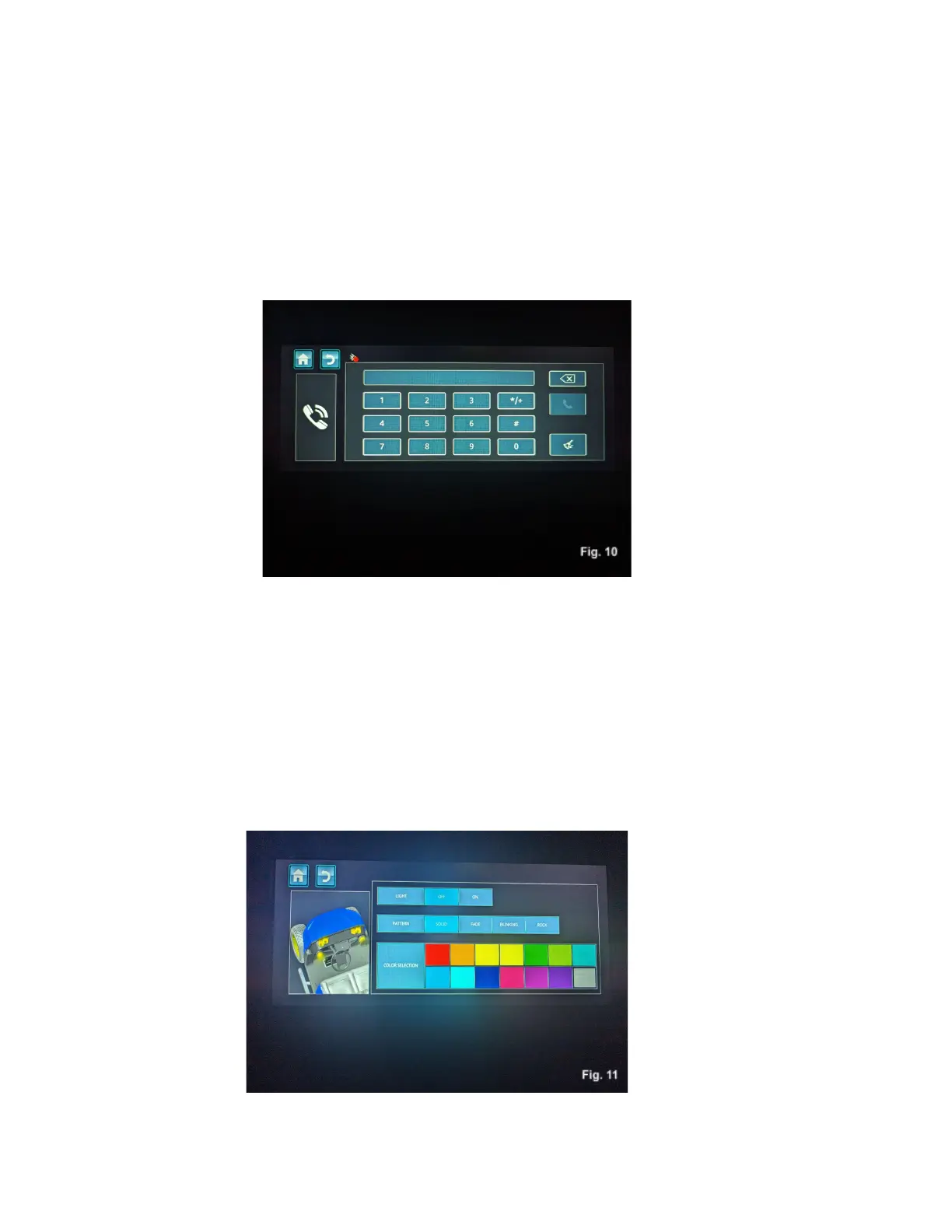
Touching the phone icon will display a screen that will allow you to make and receive phone calls, Fig, 10.
Ambient Light
Touching the ambient light icon will take you to a screen that controls your Nexus’ ambient lighting,
Fig. 11. You can cycle the lights on and off, change modes, and change lighting color through this menu
screen. Touch the icons on the screen to make changes.



 To Next Page