Vehicle Settings
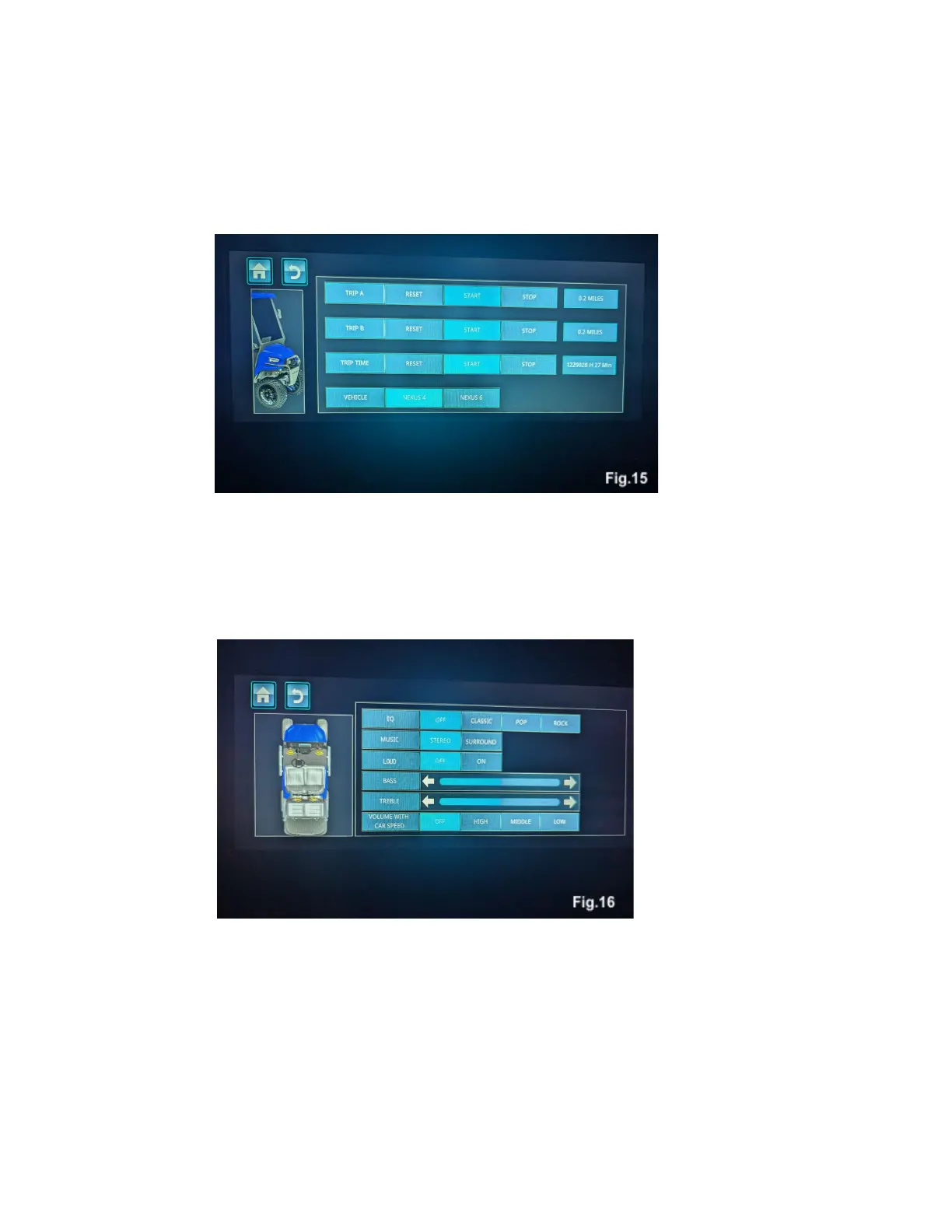
Touching the vehicle icon on will display a screen will bring up a menu with options for resetting trip
counters, and trip time, Fig. 15. The model selection should be set to match the type of Nexus model that
it is attached to.
Music EQ
Touching the music EQ icon will bring up a menu to adjust the way that your Nexus stereo sounds,
Fig. 16. Use the touchscreen to tune the stereo’s sound to your personal preference.
Display Settings
Touching the display settings icon will bring up a menu where display settings can be changed. The color
options on the top row change the look of the home screen display. Brightness, Language, and units of
measure can also be adjusted here.



 To Next Page