Controls and Functions
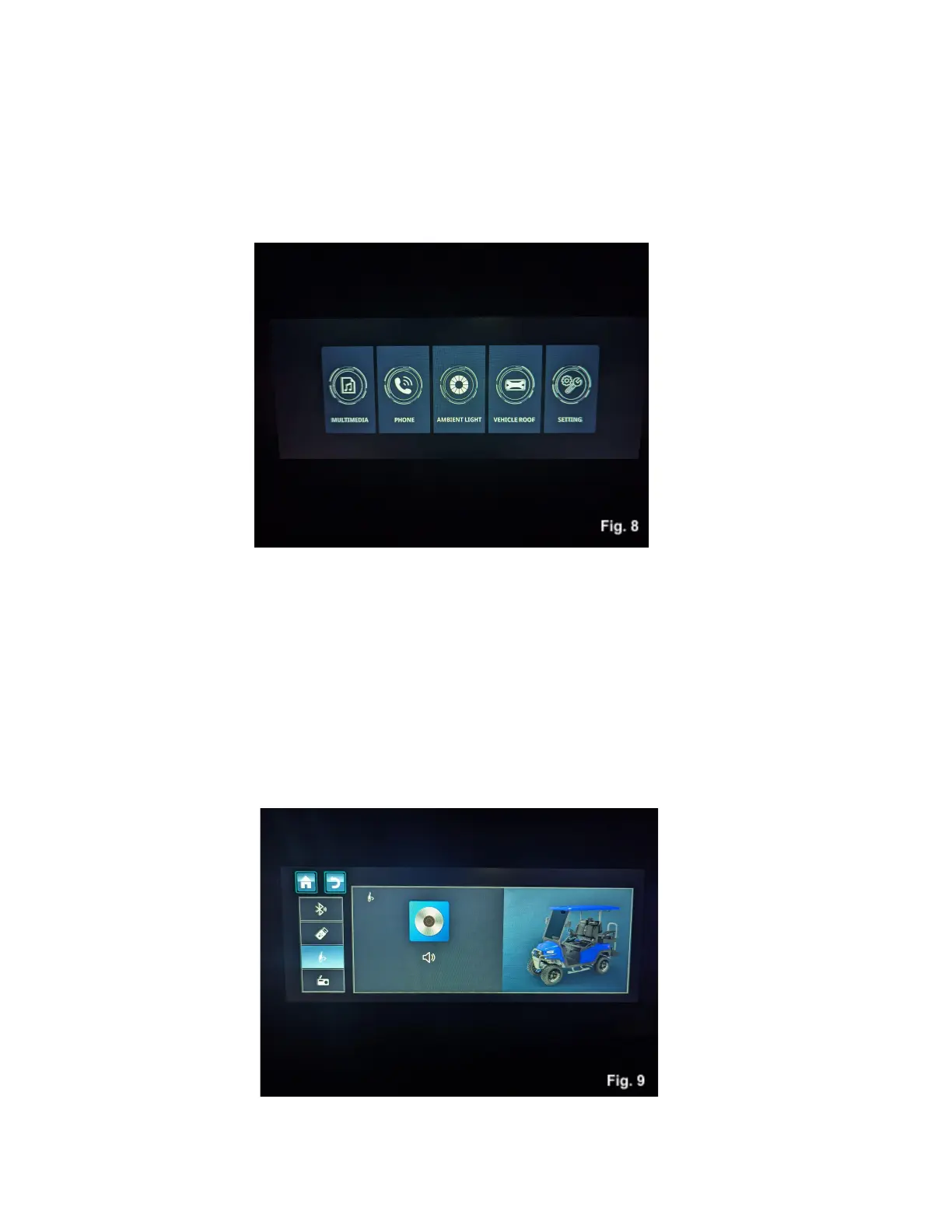
With the home screen showing on the display, pressing the home button will bring up a menu that will
allow you to control the features of your vehicle, Fig. 8. Touching these icons will take you to the menus
to control the different functions and features included on your new Nexus.
Multimedia Menu
Touching the multimedia icon will display a screen that will cycle through the types of media your Nexus
can play, Fig. 9. Touching the icons for Bluetooth, USB, Aux input or the radio will activate those inputs.
You can also change input type by touching the icon in the lower left corner of the home screen. There
are options to play, pause, skip and replay on this screen, as well as artist and track information if the
device connected provides it.



 To Next Page