17
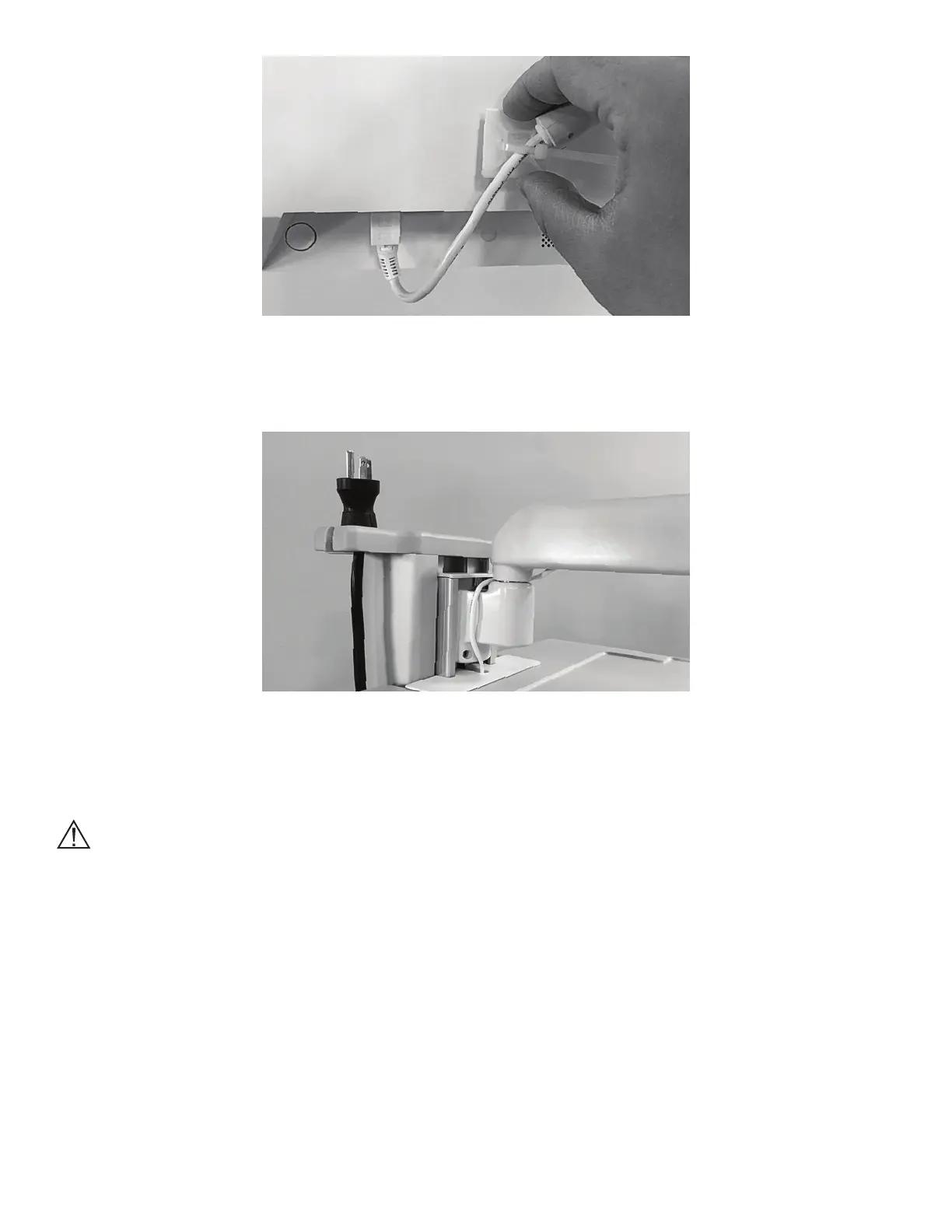
Figure 16: Secure the Power Cord
4. Secure the Coiled Power Cord from the Power Strip on the Power Cord Holder of the Tower. See Figure 17.
Figure 17: Power Cord Holder
Moving the BITS Bedside Stand
Caution: The BITS Computer is equipped with an internal battery. Make sure the system is plugged in while
not in use to ensure the battery is sufficiently charged during use.
1. Disconnect the power cord from the wall socket and secure it on the power cord holder.
2. While standing to the rear of the Bedside Stand, lower the Bedside Table by pressing the Release Buttons
on the bottom of the table with both hands.
3. Lower the Bedside Table to the lowest position on the tower of the Beside stand.
4. Lower the Touchscreen PC to the surface of the Bedside Table. See Figure 18.



 To Next Page