18
Figure 18: Correct Position for Moving Mobile Stand
5. Grasp the Rear Handle with both hands, and push the Bedside Stand from behind.
6. Move the stand to the new location.
7. Reposition the Touchscreen to the desired height.
8. Reconnect the power cord to the wall socket.
Mobile Configuration Installation Instructions
Power Adapter Installation
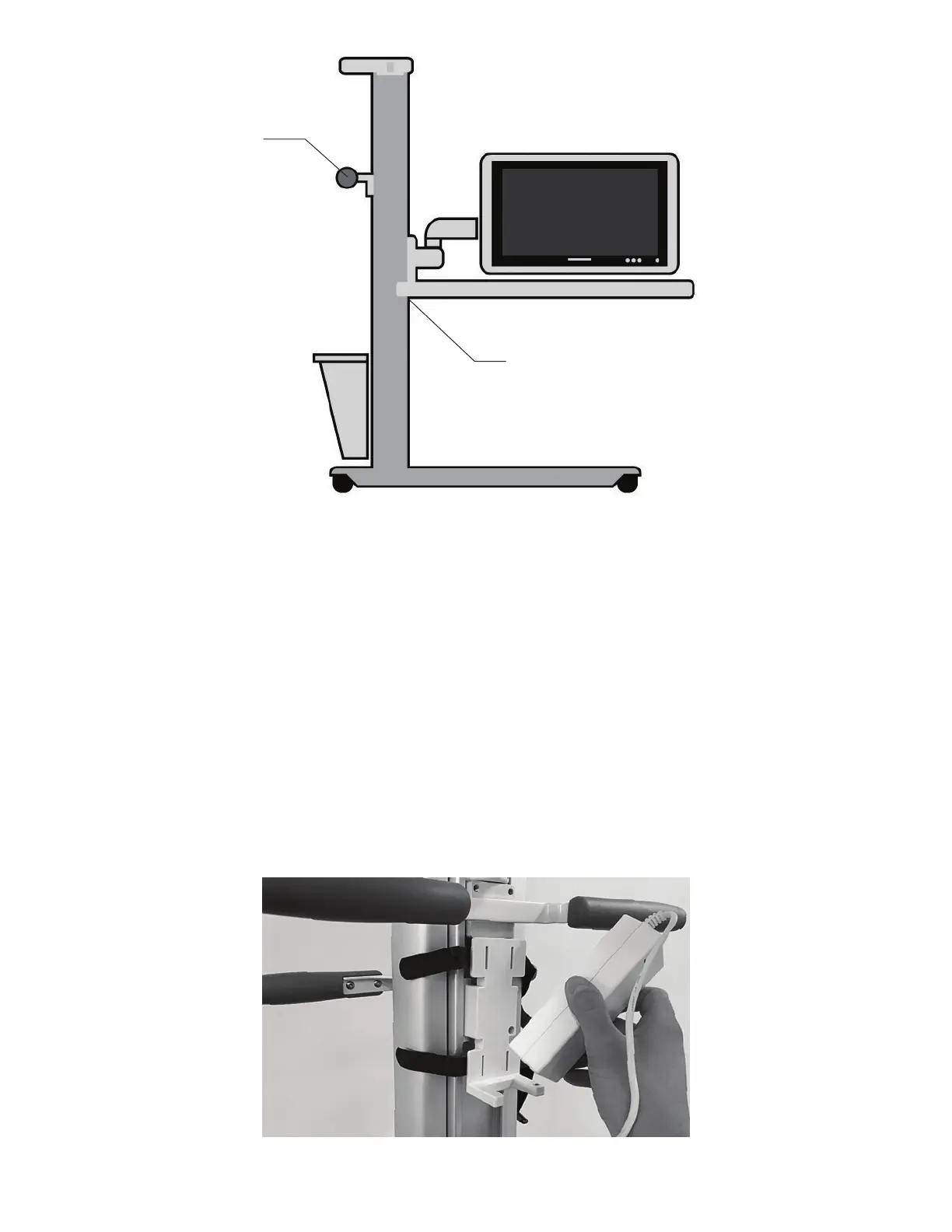
1. Position the Power Adapter on the Power Adapter Mount. See Figure 19.
Figure 19: Power Adapter Mount
Release Buttons
Rear Handle



 To Next Page