16
7. Plug the Power Cord into the power connection on the left side of the Touchscreen PC.
8. Secure the Power Cord to the back of the Touchscreen PC using a Zip Tie and Mounting base provided in
the Computer Kit. See Figure 14.
Figure 14: Secure the Power Cord
9. Trim the Zip Tie using a pair of scissors.
Caution: When trimming the Zip Tie, take care to avoid cutting or otherwise damaging the Power Cord.
Power Adapter Installation
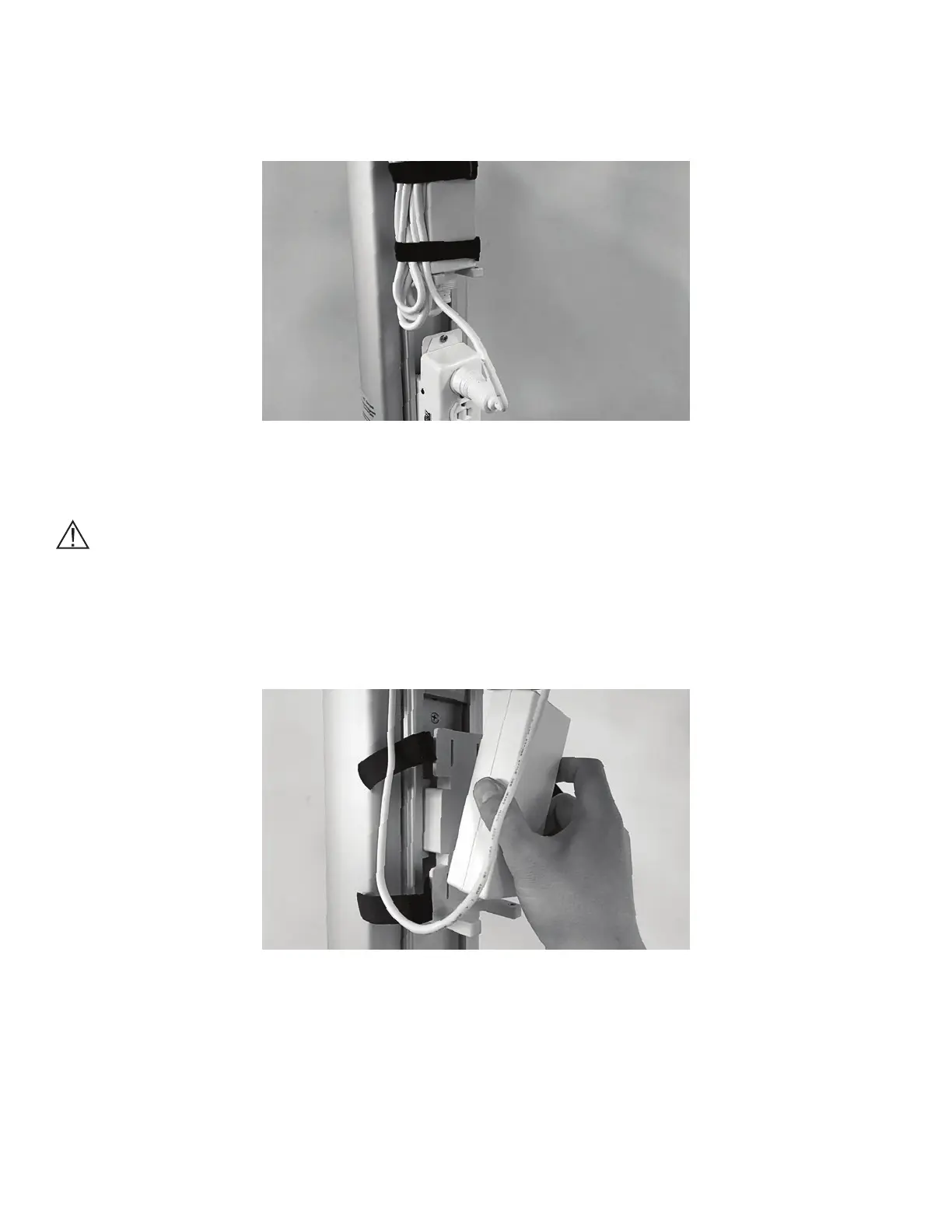
1. Position the Power Adapter on the Power Adapter Mount. See Figure 15.
Figure 15: Power Adapter Mount
2. Plug the Power Cable into the Power Adapter.
3. Plug the Power Cord into the Power Strip, and secure the excess cable with the straps on the Power
Adapter Mount. See Figure 16.



 To Next Page