23
Encrypted Backup USB
1. Remove the Encrypted Backup USB from the box located in the Software Kit package.
2. Remove the protective cover from the Encrypted Backup USB.
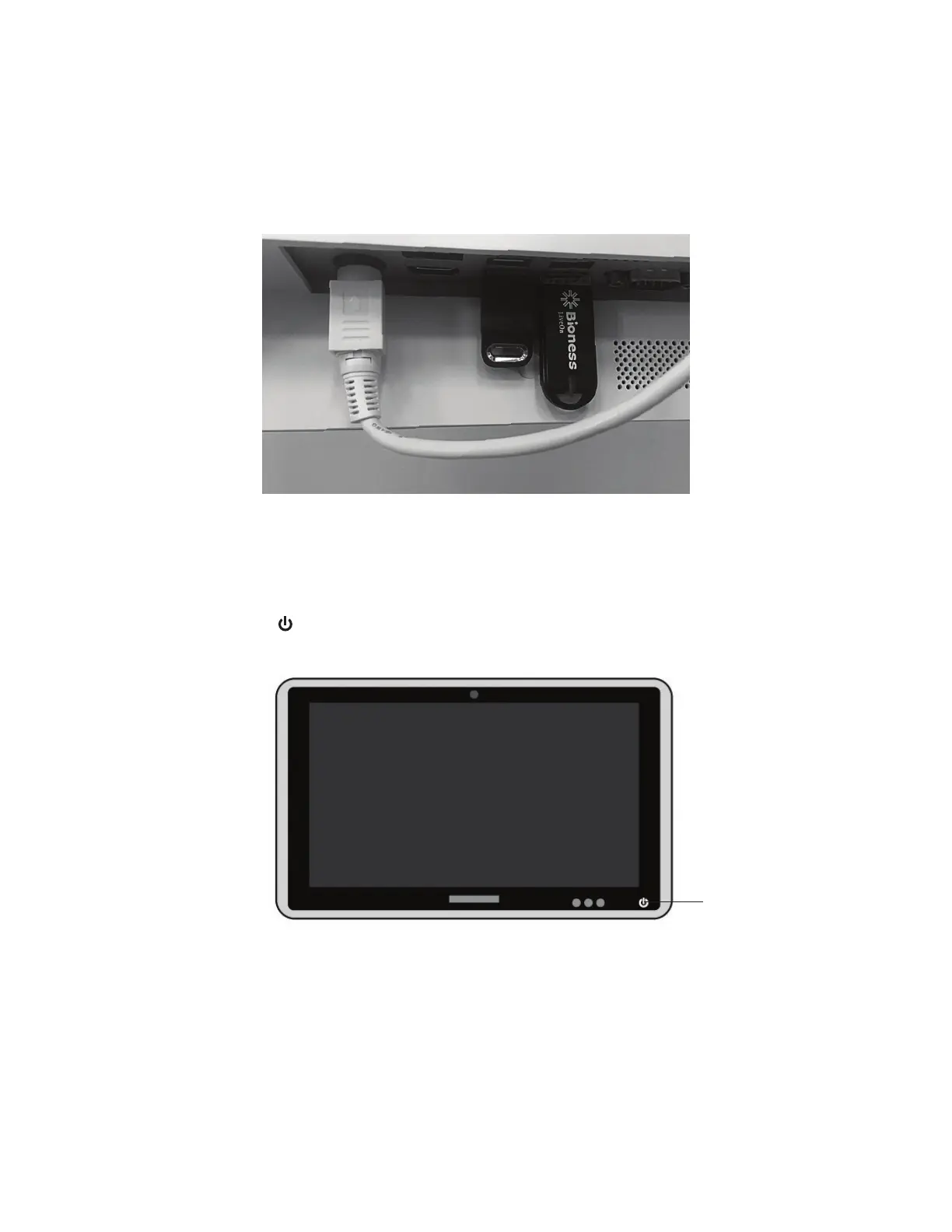
3. Plug the Encrypted Backup USB into the USB port. See Figure 27.
Figure 27: BITS License Key & Encrypted Backup Drive
Turning the System On
1. Locate the Power Button on the lower-right corner of the Touchscreen. See Figure 28.
Figure 28: Touchscreen PC Power Button
2. Press and hold the Power Button for 2 seconds, and release it. The Power Button will light up green
indicating that the computer is powered on.
3. After Windows has loaded and the Lock Screen appears, follow the instructions on the screen and Swipe
Up as directed. See Figure 29.
Power Button



 To Next Page