22
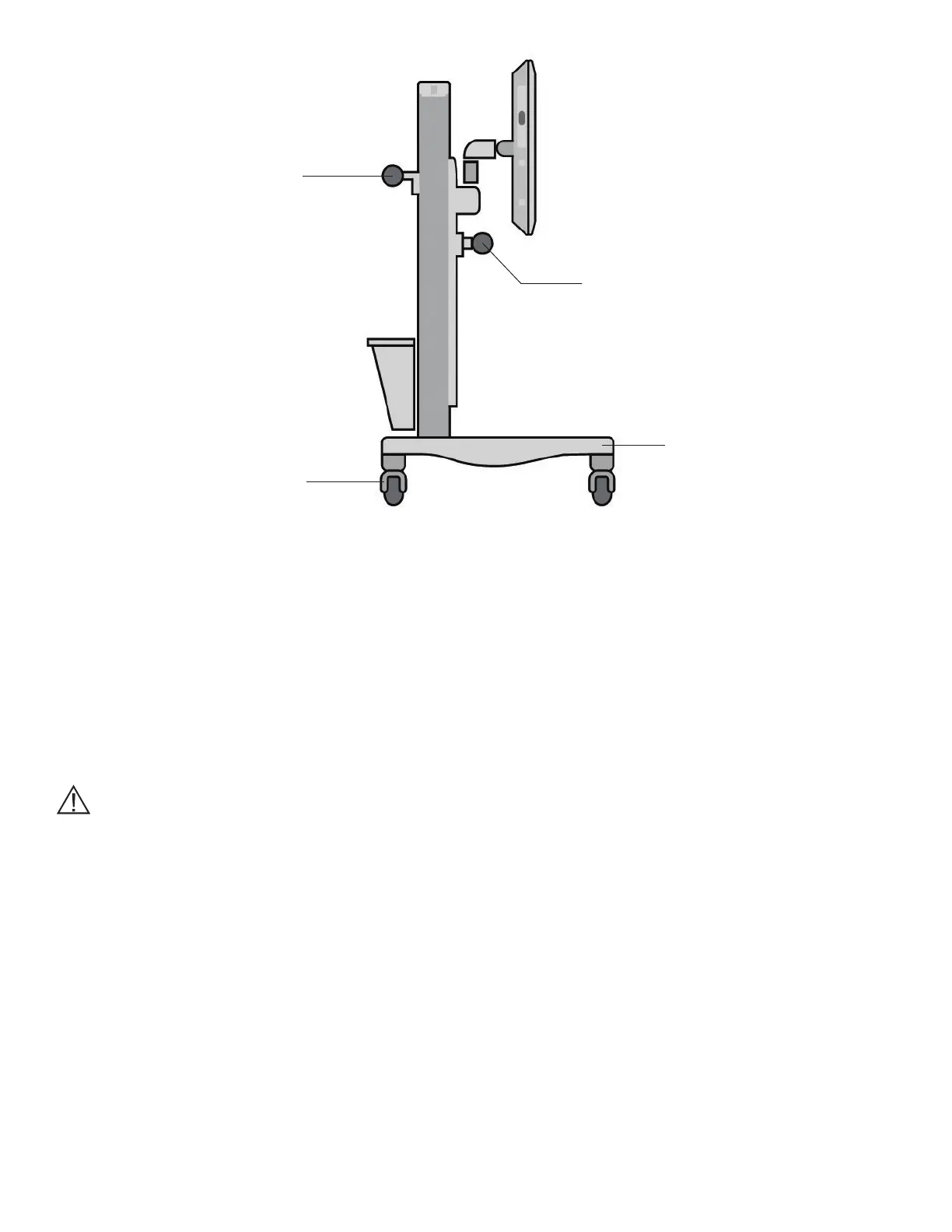
Figure 26: Correct Position for Moving Mobile Stand
5. Unlock the casters and point them in the direction of travel.
6. Grasp the Rear Handle, and push the Bedside Stand from behind.
7. Move the stand to the new location, and lock the casters.
8. Reposition the Touchscreen to the desired height.
9. Reconnect the power cord to the wall socket.
Caution: To avoid loss of balance or tripping while depressing the Release Pedal, keep the heal of the foot
firmly planted on the floor, and depress the Release Pedal with the ball of the foot.
BITS Computer Activation
BITS License Key
1. Remove the BITS License Key from the brown box located in the Computer Kit package.
2. Remove the protective cover from the BITS License Key.
3. Plug the BITS License Key into the USB port. See Figure 27.
Rear Handle
Height Adjustment Handle
Location of
Release Pedal
Locking Casters



 To Next Page