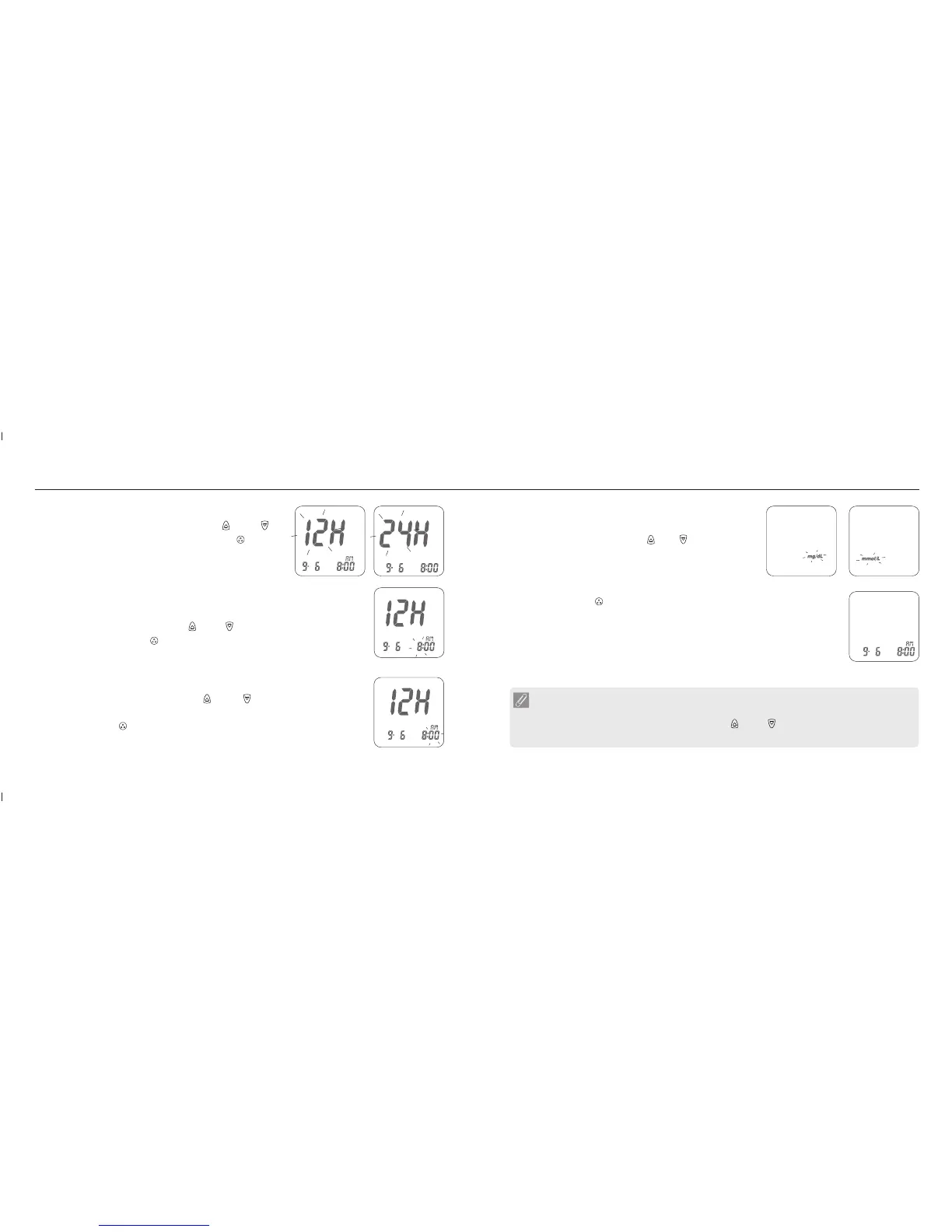
6. Minute setting
With the minute blinking, press the " " or " " button until the current
minute appears.
Then press the " " button to confirm it and move to the setting mode of
measurement unit.
Setting Up Your Meter
25
24
5. Hour Setting
With the hour blinking, press the " " or " " button until the current hour
appears. Then press the " " button to confirm it and move to minute setting.
8. Ending Setting
Then press the " " button to complete the setting and go back to time
screen. The settings you have entered are saved.
9. When you do not do any settings of meter for over 3 minutes, the meter will
leave setting mode and power down automatically.
4. Time Format 12H/24H Selection
With the time format blinking, press the " " or " "
button on the side to adjust it. Then press the " " button
to confirm it and move to hour setting.
NOTE
Fast Settings :
When you do the settings, you can press the " " or " " buttons and hold them for two
seconds to select or adjust faster.
Setting Up Your Meter
7. Setting the Unit of Measurement
With milligrams per deciliter ( mg/dL ) or millimol per liter
( mmol/L ) blinking, press the " " or " " button on the
side to switch.














 To Next Page