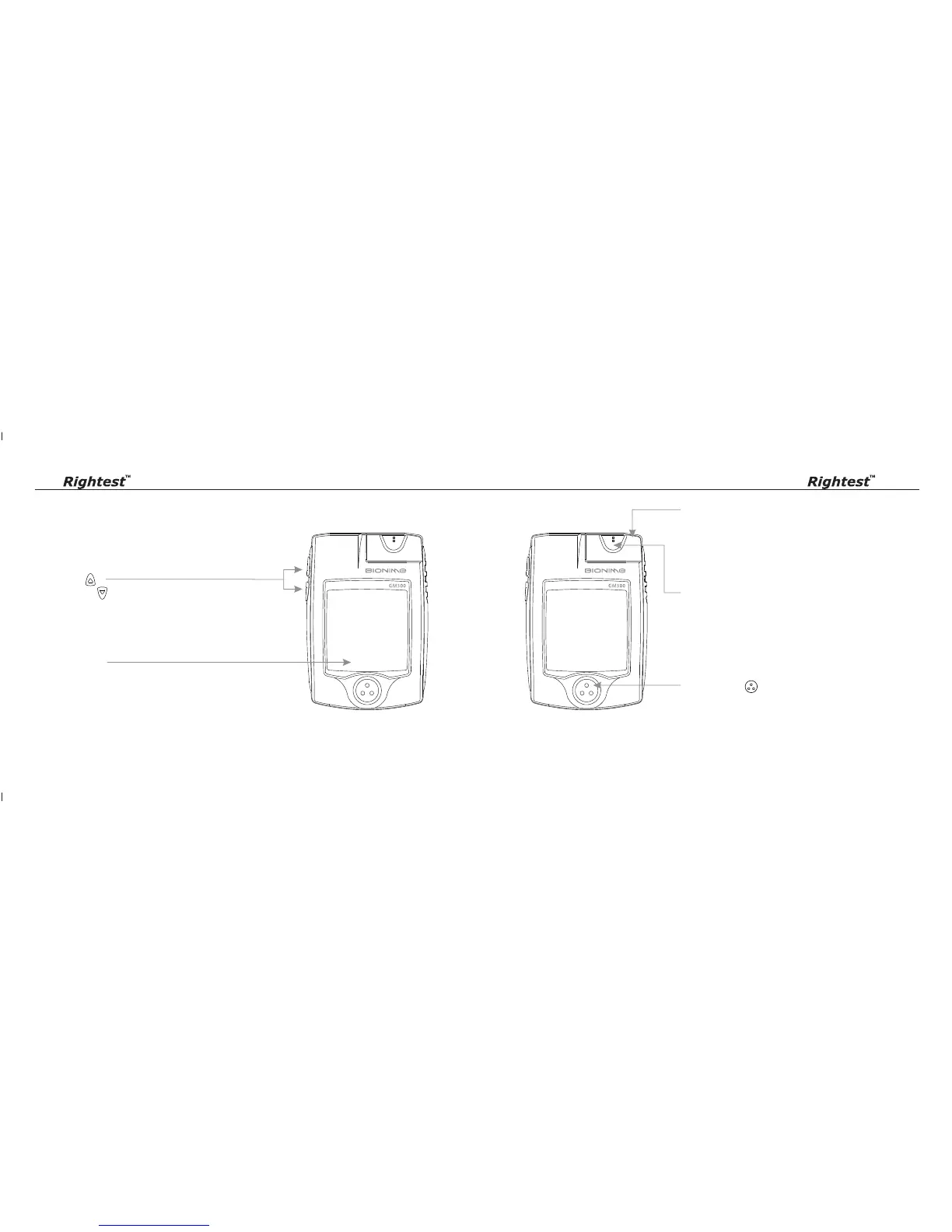
Main Button ( )
Press to turn on/off meter.
Switch different function screen.
Press and hold down until enter to the setting mode.
( There will be a power-off period during this process.)
The Meter
1110
The Meter
Test Strip Port
Insert test strip here until you hear a click.
Smart Code Key
For calibrating your meter. New one comes with every box
of test strips. ( Refer to page 17 )
Contain the test strip port for inserting strip.
Assemble Smart Code Key into code key base.
Display Window
Show your test result, messages and relative information.
Up Button ( )
Down Button ( )
Press to review stored test value in memory and average.
Select the function mode.














 To Next Page