1. Auto Power Off
The Meter will power off automatically if you don't operate it for over 3 minutes.
2. Manual Power Off
If you want to turn off the Glucose Meter, please keep pressing the " " button for 2 seconds.
3. How to turn on the Power
1) Press the " " button.
2) Insert one piece of strip.
4. When the display on meter screen shows time, memory or average, keep pressing " " button for
5 seconds to enter setting mode.
Turning On/Off the Meter
27
26
Function Screens and Button Operations
Switching the Function Screens
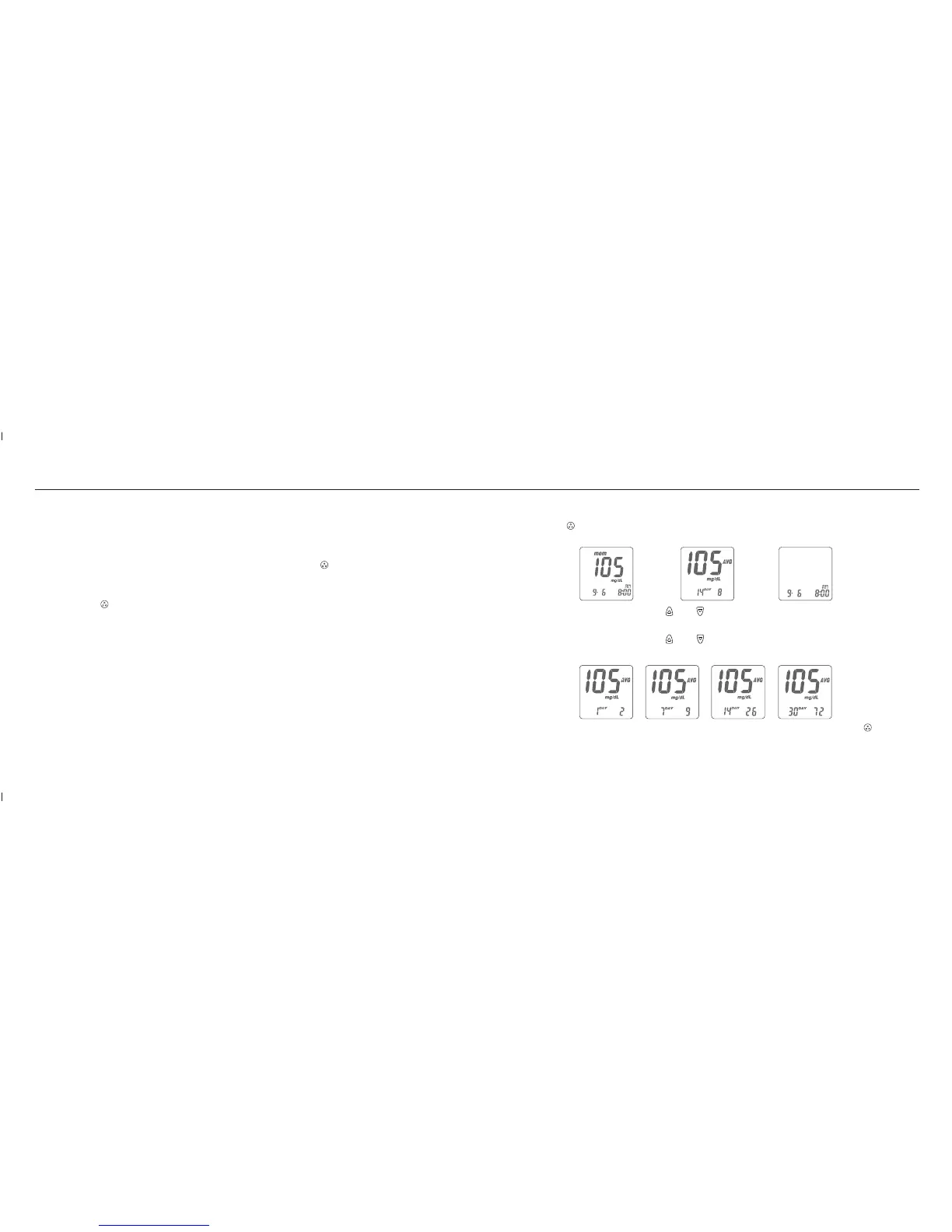
1. Press the " " button to switch function screens including Memory, Average and Time in
sequence.
2. Under Memory function, press the " " or " " button to search your memorized testing data.
3. Under Average function, press the " " or " " button to search your average data of 1 day,
7 days, 14 days or 30 days in sequence.
Memory Average Time














 To Next Page