EasyManua.ls Logo

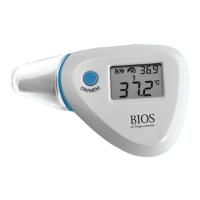
BIOS Diagnostics 33302 - Error Messages; Measured Temperature Too High; Measured Temperature Too Low; Ambient Temperature Too High

Default Icon
14 pages
Print Icon
To Next Page IconTo Next Page
To Previous Page IconTo Previous Page
Loading...
8. Error Messages
6
Display /
Problem
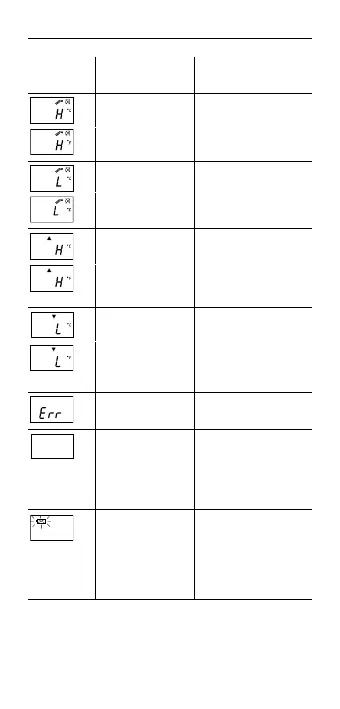
Display Meaning Possible cause and
fault remedy
Measured
temperature is
too high
Displays «H» when
measured temperature
ishigherthan42.2°C
(108.0°F).
Measured
temperature is
too low
Displays «L» when
measured temperature
islowerthan34.0°C
(93.2°F).
Ambient
temperature is
too high
Displays «H» in
conjunction with the
«» when ambient
temperature is higher
than40.0°Cor104.0°F.
Ambient
temperature is
too low
Display «L» in
conjunction with the
«» when ambient
temperature is lower
than16.0°Cor60.8°F.
Error function
display
When system has
malfunctioned.
Blank display Please check if the
battery has been loaded
correctly. Also check
polarity (<+> and <->) of
batteries.
Dead battery
indication
If the dead battery
icon is the only symbol
shown on the display,
the battery should be
replaced immediately.
(See Section 11).

Related product manuals