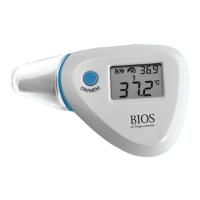
TakecarenottoscratchthesurfaceoftheLCD.
Remove the battery from the instrument if it is not required
for extended periods of time in order to avoid damage to the
thermometer resulting from a leaking battery.
11. Replacing the Battery
This thermometer is supplied with one lithium battery, type
CR2032.ReplacewithanewCR2032batterywhentheflashing
batterysymbolappearsontheLCDdisplay.
To remove the battery, insert the tip of a screwdriver into the
slot as indicated to lever it out of the battery cell.
8



 To Next Page