• Donottakeameasurementwhileorimmediatelyafter
nursing a baby.
• Donotusetheforeheadthermometerinhighhumidity
environments.
• Patientsshouldnotdrink,eat,orexercisebefore/while
taking the measurement.
• Beforeplacingthethermometerprobeontothemeasure-
ment area, remove dirt, hair, or sweat.
• Donotmovethemeasurementdevicebeforehearingthe
termination beep.
• Useanalcoholswabtocarefullycleantheprobeandwait
for 15 minutes before taking a measurement on another
patient.
• Alwaystakethetemperatureinthesamelocation,sincethe
temperature readings may vary from different locations.
• Inthefollowingsituationsitisrecommendedthatthree
temperatures in the same location be taken and the highest
one taken as the reading:
1) New born infants in the first 100 days.
2) Childrenunderthreeyearsofagewithacompromised
immune system and for whom the presence or absence
of fever is critical.
3) When the user is learning how to use the thermometer
for the first time until he/she has familiarized himself/
herself with the instrument and obtains consistent
readings.
The thermometer has been clinically tested and proven to
be safe and accurate when used in accordance with its
operating instruction manual.
7. Changing from Fahrenheit to Celsius and vice-versa
The thermometer can display temperature measurements in
eitherFahrenheitorCelsius.Toswitchthedisplaybetween°C
and °F, simply turn OFF the unit, press and hold the START
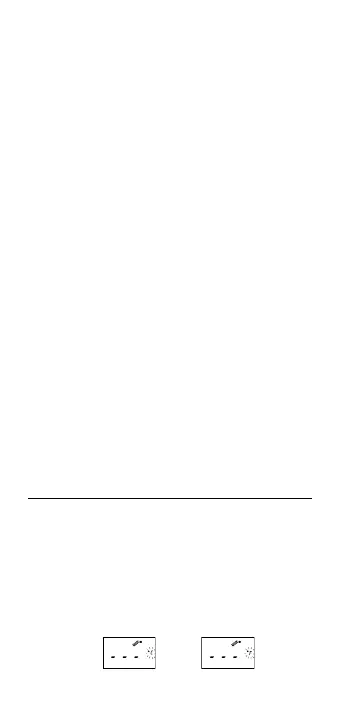
buttonfor5secondsuntil«---»andtheflashing°Cor°Ficonis
shownontheLCD.Switchthemeasurementscalebetween°C
and °F by pressing the START button again. When the measure-
ment scale has been chosen, wait for 5 seconds and the unit
will enter the ready for measuring mode automatically.
5



 To Next Page