3.5 General Mode
In General Mode, a user can take blood pressure measurements outside of the Protocol
Software (7D Mode).
1. When the monitor is OFF, press the SET button, 7D will appear on the screen. Press the MEM
buttons to switch between 7D Mode and General Mode ( ). Press SET to confirm.
2. Next, select the user. Press SET to confirm, then press ST button to power off
the monitor.
3. To start your measurement, see section 3.6 Measuring Your Blood Pressure.
3.6 Measuring Your Blood Pressure
After the cuff with monitor has been appropriately positioned, and the correct mode has been selected, the
measurement can begin:
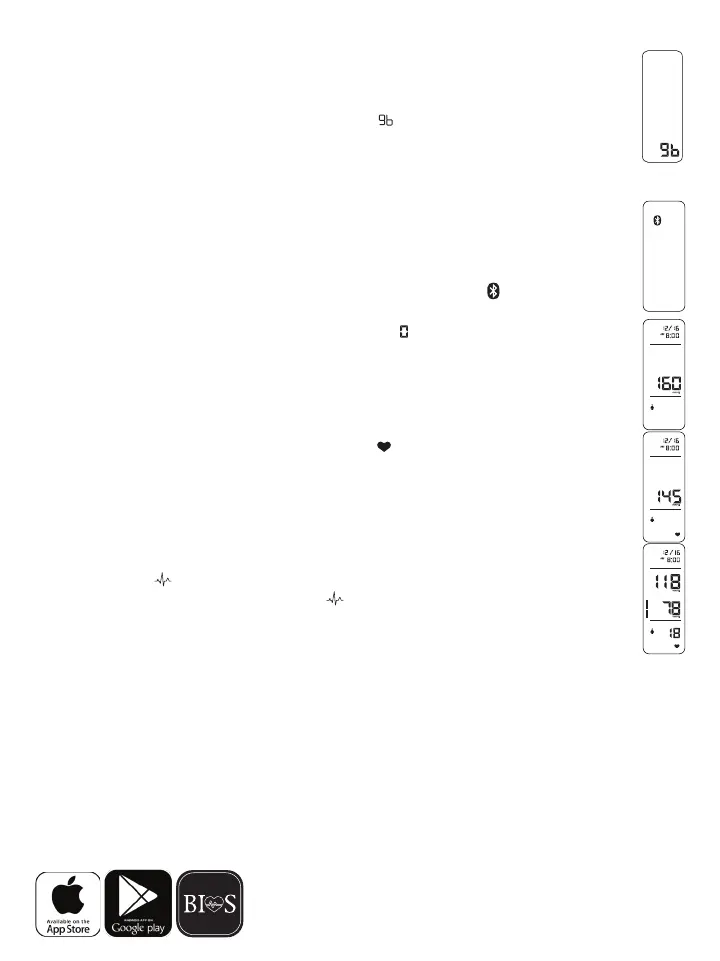
1. Press the ST button until all the symbols appear on the screen. Right after “ ”willashonthe
screen, see section 3.8 to use the Bluetooth function OR press the ST button again to continue
with the measurement. You will hear 2 short beeps and after “ ”willashfor2seconds.Thepump
thenbeginstoinatethecuff.Theincreasingpressureinthecuffisshownon
the display.
2.Afterthesuitablepressurehasbeenreached,thepumpstopsandthecuffgraduallydeates.
Thecuffpressurewillthenbedisplayed.Incasetheinitialinationisnotsufcient,thedevice
automaticallyre-inatestoahighpressure.
3. When the device detects a heartbeat, the heart symbol “ ”onthedisplaystartstoashandyou
can hear a beep for every heartbeat.
4. When the measurement has been completed, you will hear a long beep and the systolic, diastolic
and pulse rate will appear on the display.
5. The measurement readings remain on the display until you switch off the device. If no button is
pressed, the device switches itself off in 3 minutes.
NOTE: The symbol “ ” will be displayed along with the reading if irregular heartbeat has been
detected during the measurement. If the “ ” symbol appears frequently (e.g. several times
in a week), it may be an indication of a more serious heart problem, and you should consult
your doctor.
3.7 Discontinuing a Measurement
To stop the measurement (eg. the patient feels unwell) press the ST button. The device will immediately
decrease the cuff pressure automatically.
3.8BluetoothandBPToolboxAPP
The APP will work with the following operating systems:
iOS Support: iPhone 5, iPhone 5s, iPhone 6, iPhone 6p, 6s, 6sP, iOS 7.1 and up, Bluetooth 4.0
Android: System 4.3 and up, Bluetooth 4.0
1. To begin using the free BP Toolbox APP, download and install onto your smartphone or tablet.
BP Toolbox















 To Next Page