Every measurement produces varying results
although the instrument functions normally and the
values displayed are normal.
Notethatbloodpressureuctuatescontinuously;
therefore measurements will show some variability.
Blood pressure values measured differ from those
measured by the doctor.
Record the daily development of the values and
consult your doctor.
Note:Individualsvisitingtheirdoctorfrequently
experienceanxietywhichcanresultinahigher
blood pressure reading than at home.
For assistance call the BIOS Medical Hotline: 1-866 -536-2289
5. Care and Maintenance
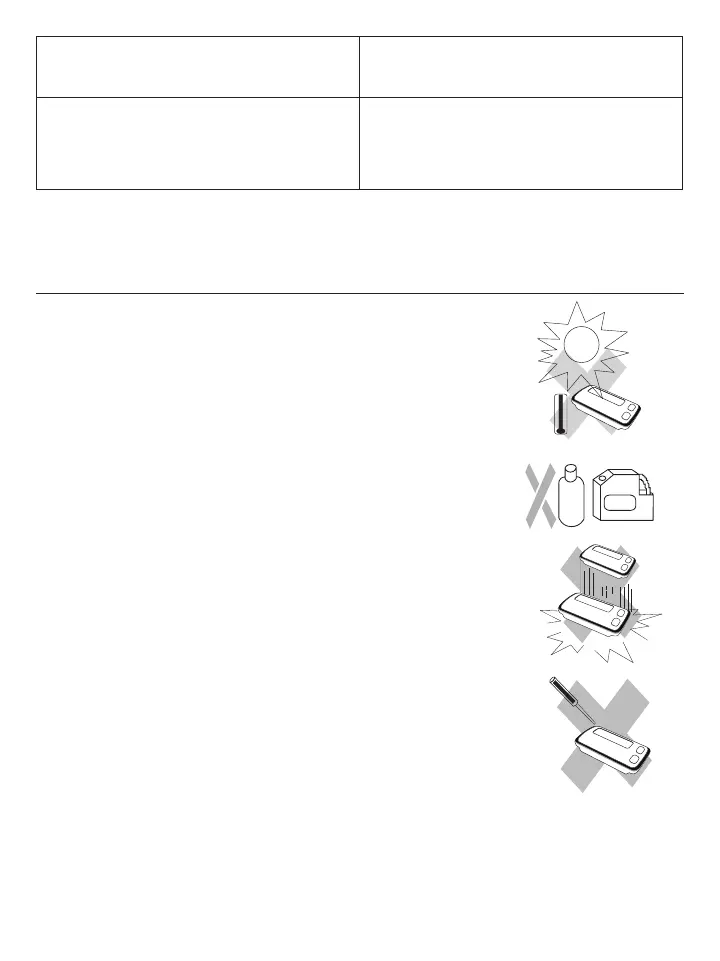
a) Do not expose the device to either extreme temperatures, humidity, dust or
direct sunlight.
b) The cuff contains a sensitive air-tight bubble. Handle this carefully and avoid
all types of stress through twisting or buckling.
c) Clean the device with a soft, dry cloth. Do not use gas, thinners or similar
solvents. Spots on the cuff can be removed carefully with a damp cloth and
soapsuds. The cuff with bladder must not be washed in a dishwasher,
clothes washer, or submerged in water.
d) Do not drop the monitor or treat it roughly in any way. Avoid strong vibrations.
e) Neveropenthemonitor. This invalidates the manufacturer’s warranty.
f) Batteries and electronic instruments must be disposed of in accordance with
the locally applicable regulations, not with domestic waste.















 To Next Page