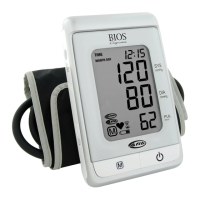
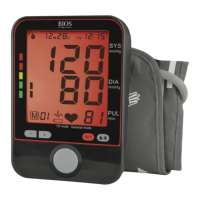
4.1 Setting Date, Time, Language And Measurement Units
It is important to set the clock before using your blood pressure monitor, so that the
correct time stamp can be assigned to each record that is stored in the memory.
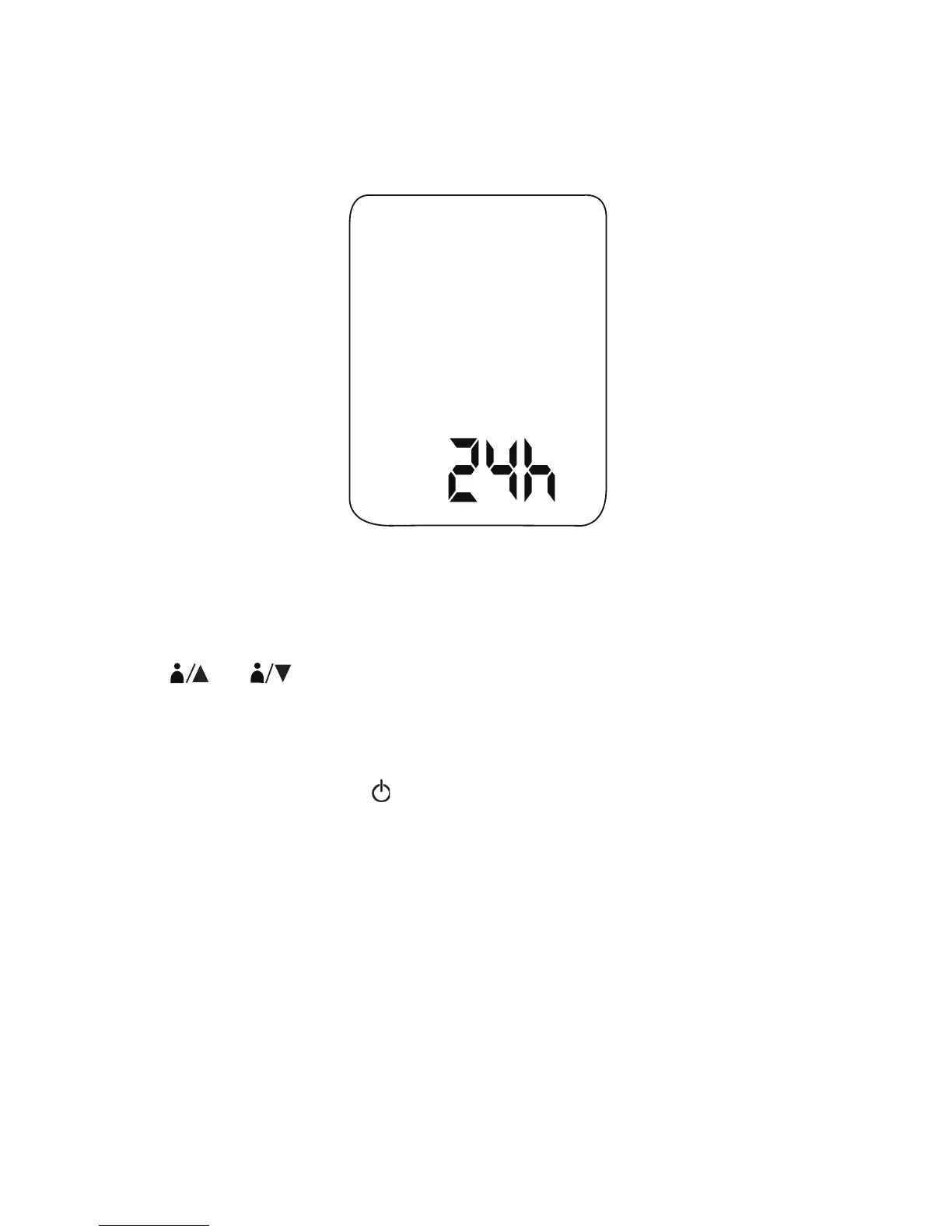
1. When the unit is off, press and hold SET for 2 seconds to enter the setting mode.
2. The setting order is as follows: 12/24 hour format, hour, minute, year, month/day or
day/month format, month, date, and measurement unit (kPa or mmHg), language
(English or French).
3. Press
1
2
to increase / decrease a value or change the setting.
4. Press SET to accept the change and switch to the next setting.
5. When you are finished, press
to exit the setup menu.
10


 To Next Page