5. Troubleshooting
This section includes a list of error messages and frequently asked questions for problems
you may encounter with your blood pressure monitor. If the product is not operating as you
think it should, check this list before arranging for servicing.
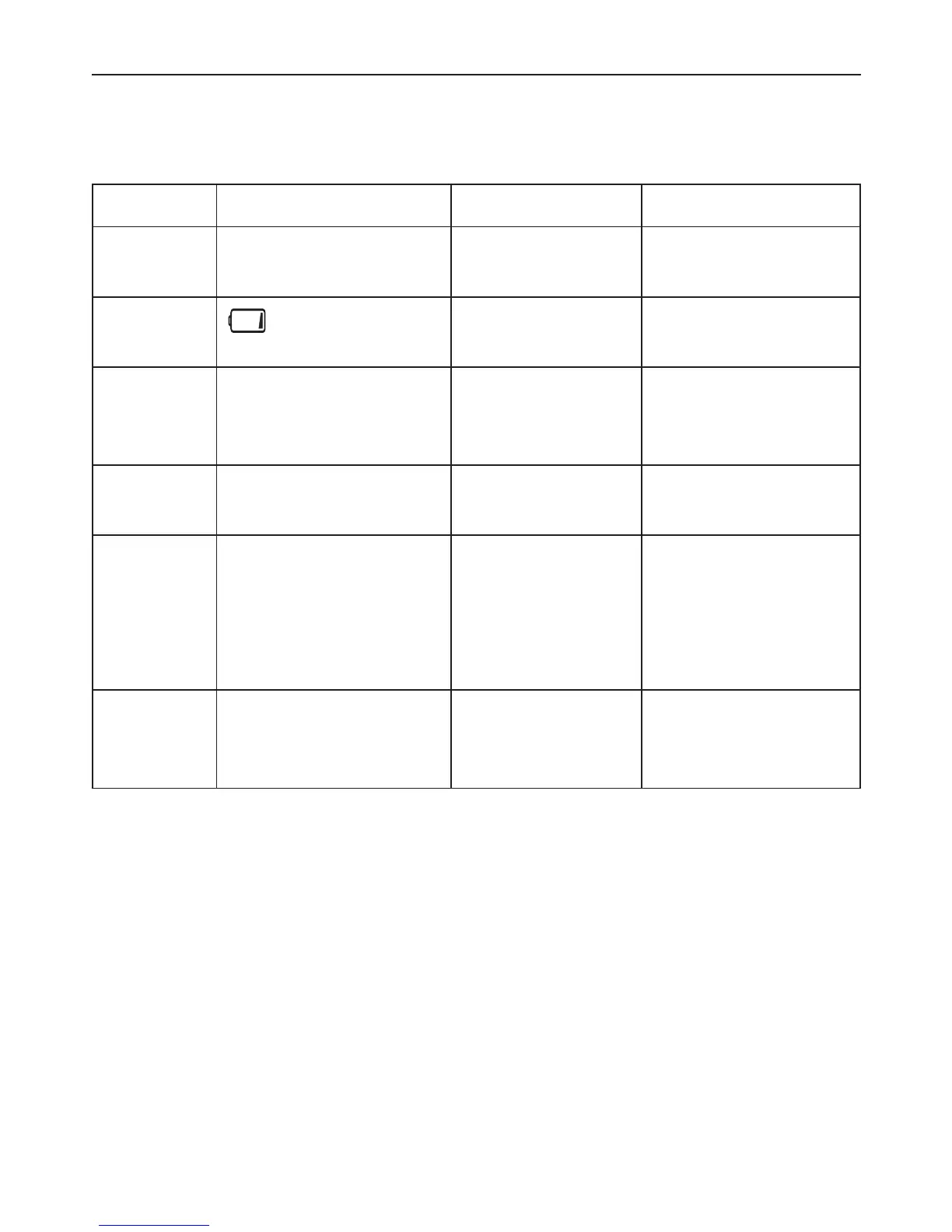
Problem Symptom Check This Remedy
No
power
Display is dim or will
not light up
Batteries are
exhausted
Replace with new
batteries
Low
batteries
shows on the
display
Batteries are low Replace with new
batteries
Error
message
Err shows on the
display.
A measurement
error occurred
Relax for a moment
and then measure
again
Err 1, 2, or 3 shows on
the display
The wrist cuff is
not secure
Refasten the cuff and
then measure again
Err 4 shows on the
display
The monitor
detected
motion while
measuring
Movement can affect
the measurement.
Relax for a moment
and then measure
again
Err 5 shows on the
display
Pressure is over
37.3kPa (280
mmHg)
Relax for a moment
and then measure
again
17


 To Next Page