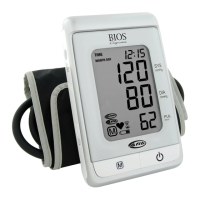
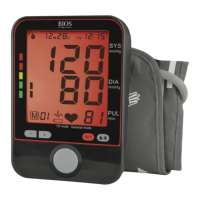
NOTE:
• The most recent record (1) is shown first. Each new measurement is assigned
to the first (1) record. All other records are pushed back one digit (e.g., 2
becomes 3, and so on), and the last record (60) is dropped from the list.
• Press the corresponding user button again (
1
2
) to see additional
records.
• Press and hold the corresponding user button to auto-advance to additional
records.
• The date and time of measurement are shown with each record.
• Memory records will be kept even when the batteries become exhausted and
are replaced.
4.5 Deleting A Measurement Record From Memory
You have the option of deleting your latest measurement record or entire measurement
history. This is useful if measurements have not been accurately recorded and need to be
recorded again.
DELETING THE LATEST RECORD
1. Press
1
2
to recall the latest measurement
record for User 1 or User 2.
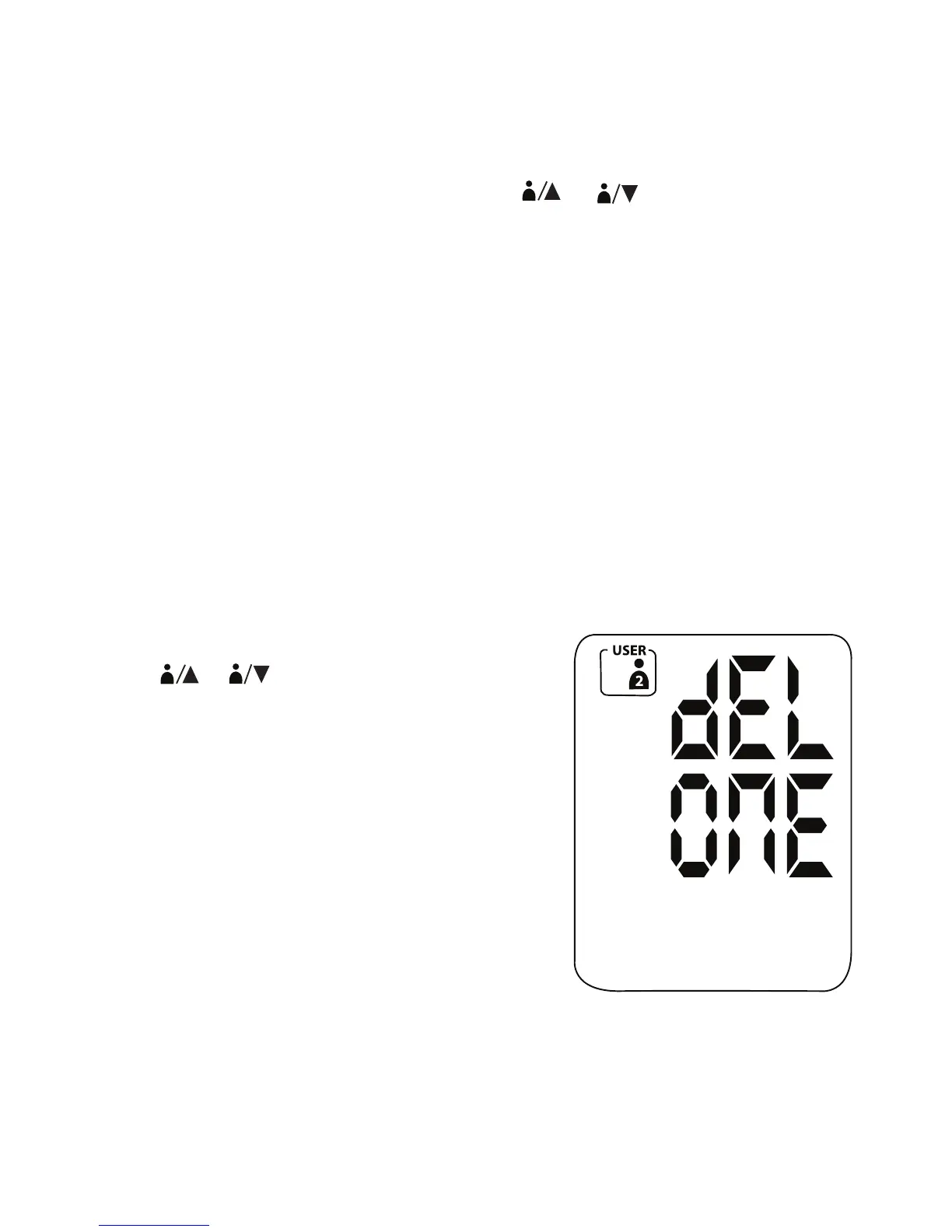
2. Press and hold SET until the LCD shows
“dEL ONE”.
14


 To Next Page