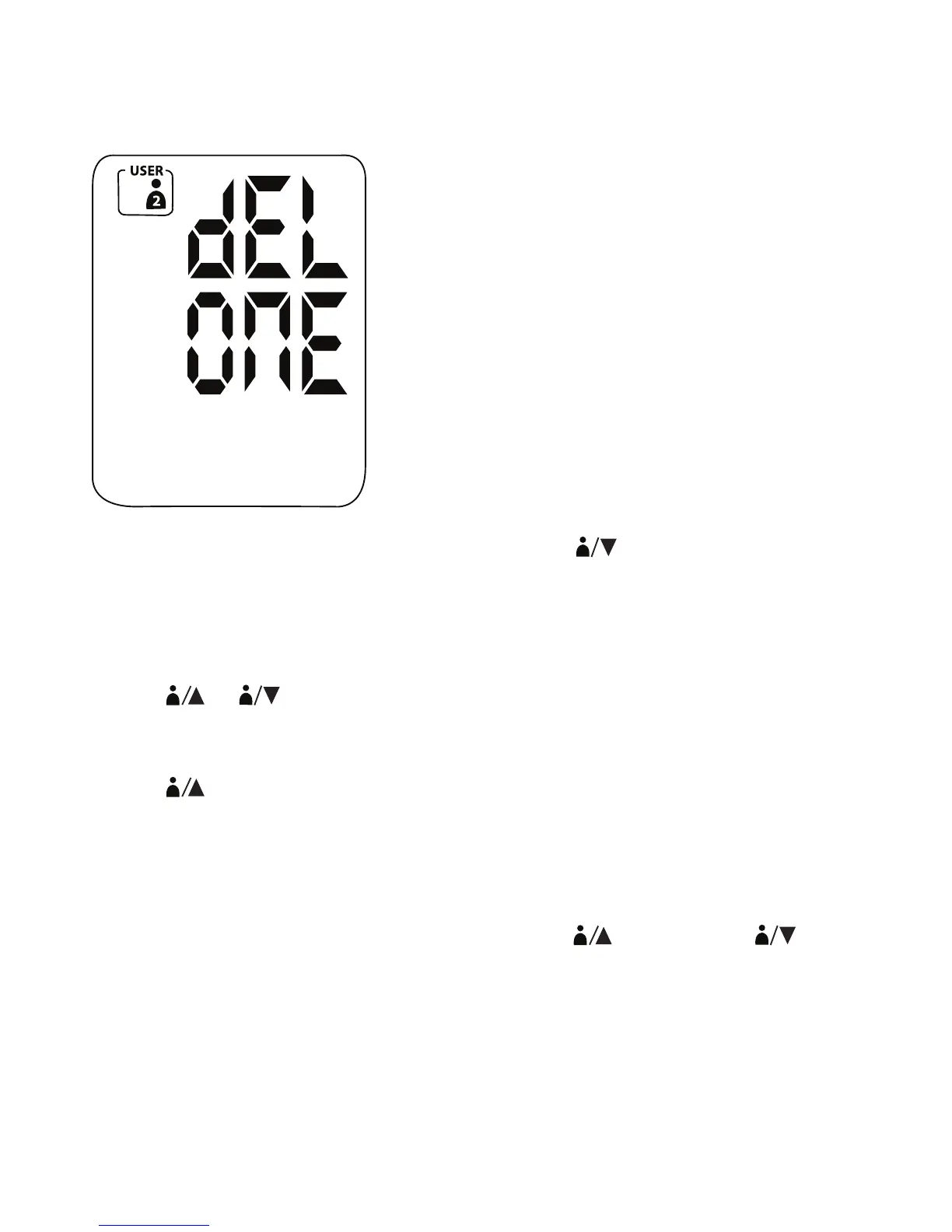
3. Press and hold SET for 2 seconds to delete the latest recorded measurement for User
1 or User 2. After you have confirmed deleting the latest record, the screen shows
“dEL ONE”.
4. If you decide to abort the delete action instead, press
2
to go back to the main
screen.
DELETING ALL RECORDS
1. Press
1
2
to recall the latest measurement record for User 1 or User 2.
2. Press and hold SET until the LCD shows “dEL ONE”.
3. Press
1
to show the option of deleting your entire measurement history; the LCD
displays “DEL ALL”.
4. Press and hold SET for 2 seconds to delete all measurement records. After you have
confirmed deleting all records, the screen shows “dEL ONE”.
5. If you decide to abort the delete action instead, press
1
2
twice
to go back to the main screen.
15


 To Next Page