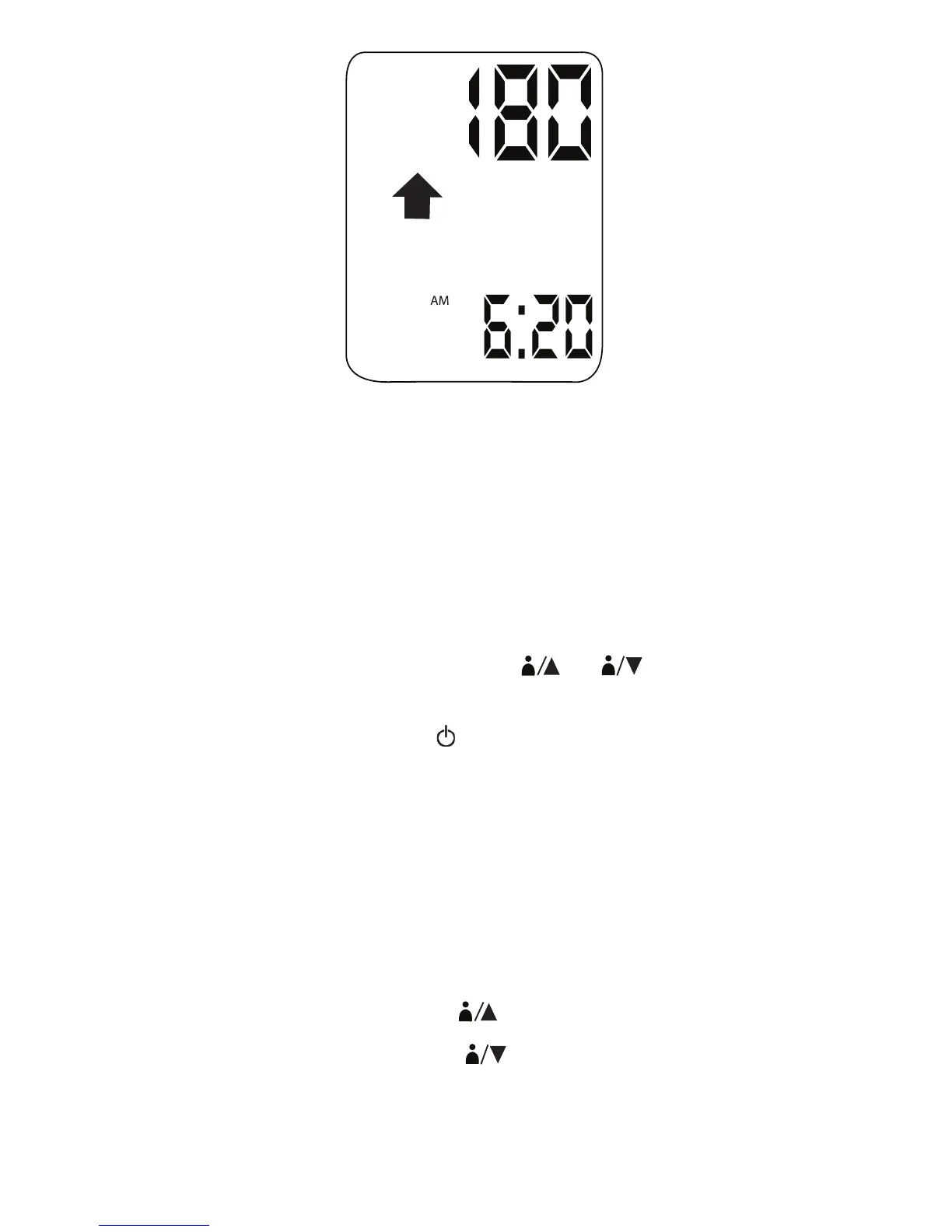
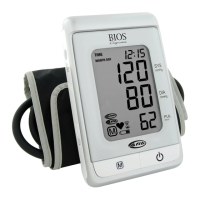
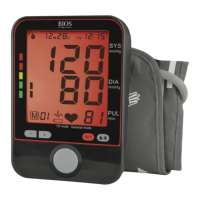
NOTE: This unit can intelligently adjust the cuff pressure and inflate to a higher
pressure level (>180 mmHg) when needed.
2. Your systolic and diastolic pressure readings will flash on the LCD, followed by MAP
and pulse per minute readings every 2 seconds. At the same time, your measurement
results and the blood pressure classification will also be announced.
3. To repeat the announcement, simply press TALK / VOLUME.
4. If you want to save the record to memory, press
1
2
and the results will be
saved to User 1’s or User 2’s memory accordingly.
5. Switch off the device by pressing the
button to preserve the batteries. If no button is
pressed for 1 minute, the instrument switches the display off.The measurement is
stored as the first (MEM 1) entry in the user record you selected; the last entry (MEM
60) is dropped, and all the entries in between move up 1 digit (e.g. 58 becomes 59, and
so on).
4.4 Recalling Measurements Stored In Memory
To view a history of User 1’s records, press
1
.
To view a history of User 2’s records, press
2
.
The screen will alternate between displaying systolic pressure, diastolic pressure, and
MAP/Pulse rate for that record.
13


 To Next Page