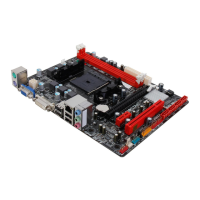
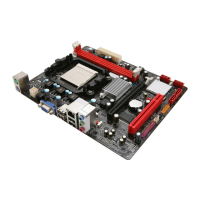
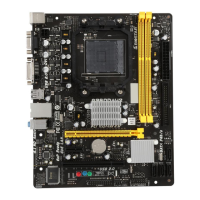
A960D+V2
13
CHAPTER 3: HEADERS & JUMPERS SETUP
3.1 How to Setup Jumpers
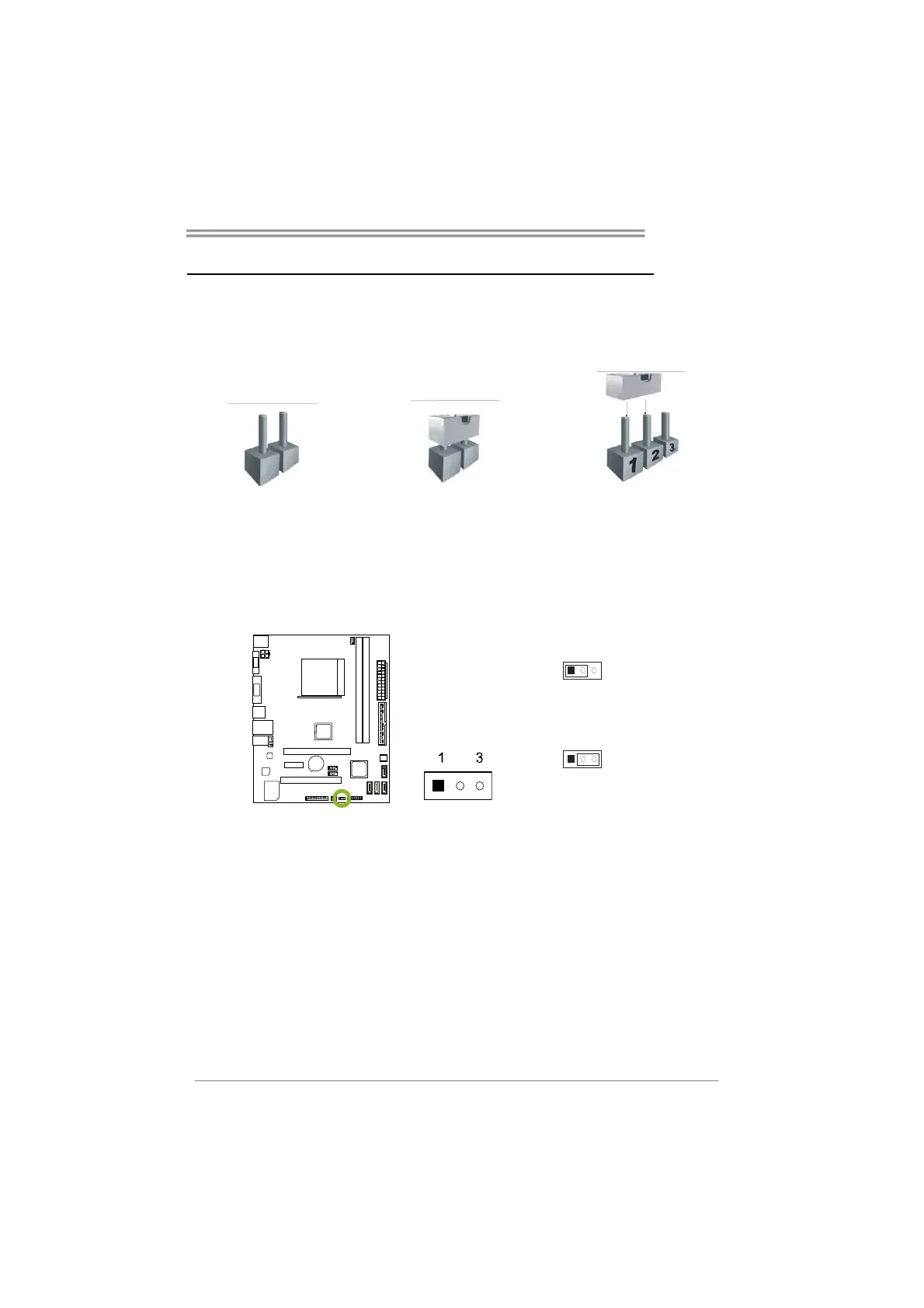
The illustration shows how to set up jumpers. When the jumper cap is
placed on pins, the jumper is “close”, if not, that means the jumper is
“open”.
Pin opened Pin closed Pin1-2 closed
3.2 Detail Settings
JCMOS1: Clear CMOS Jumper
Placing the jumper on pin2-3 allows user to restore BIOS safe setting and
CMOS data. Pease carefully follow the procedures to avoid damaging the
motherboard.
13
Pin 1-2 Close:
Normal Operation (default).
13
Pin 2-3 Close:
Clear CMOS data.
※ Clear CMOS Procedures:
1. Remove AC power line.
2. Set the jumper to “Pin 2-3 close”.
3. Wait for five seconds.
4. Set the jumper to “Pin 1-2 close”.
5. Power on the AC.
6. Load Optimal Defaults and save settings in CMOS.


 To Next Page