Chapter 3: UEFI BIOS & Soware | 33
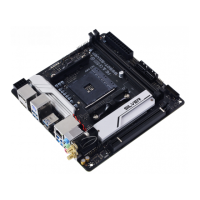
B550M-SILVER
H/W Monitor
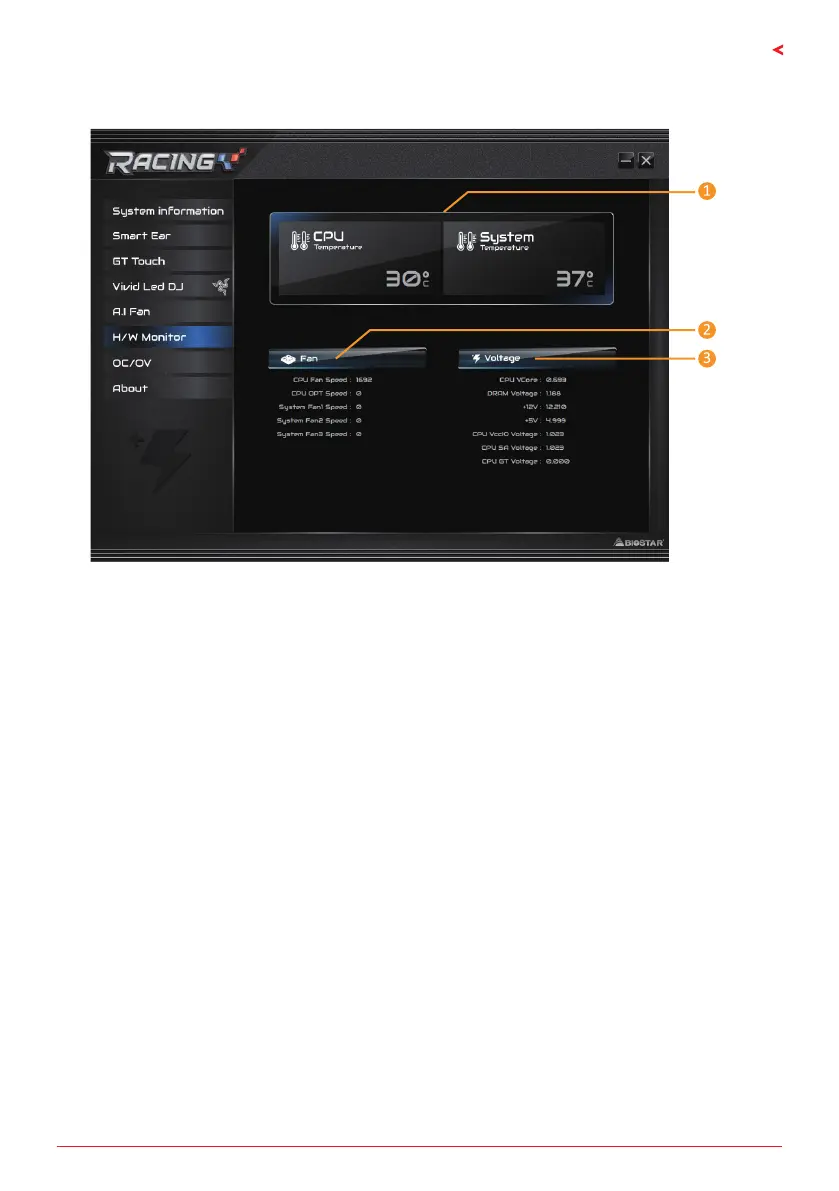
The HW Monitor tab allows you to monitor hardware voltage, fan speed, and temperature.
1. CPU Temperature/System Temperature: Shows the current CPU and system temperature.
2. Fan: Shows the current fans’ speed.
3. Voltage: Shows the current voltages of CPU and memory.




 To Next Page