Chapter 2: Hardware installaon | 13
B650MT
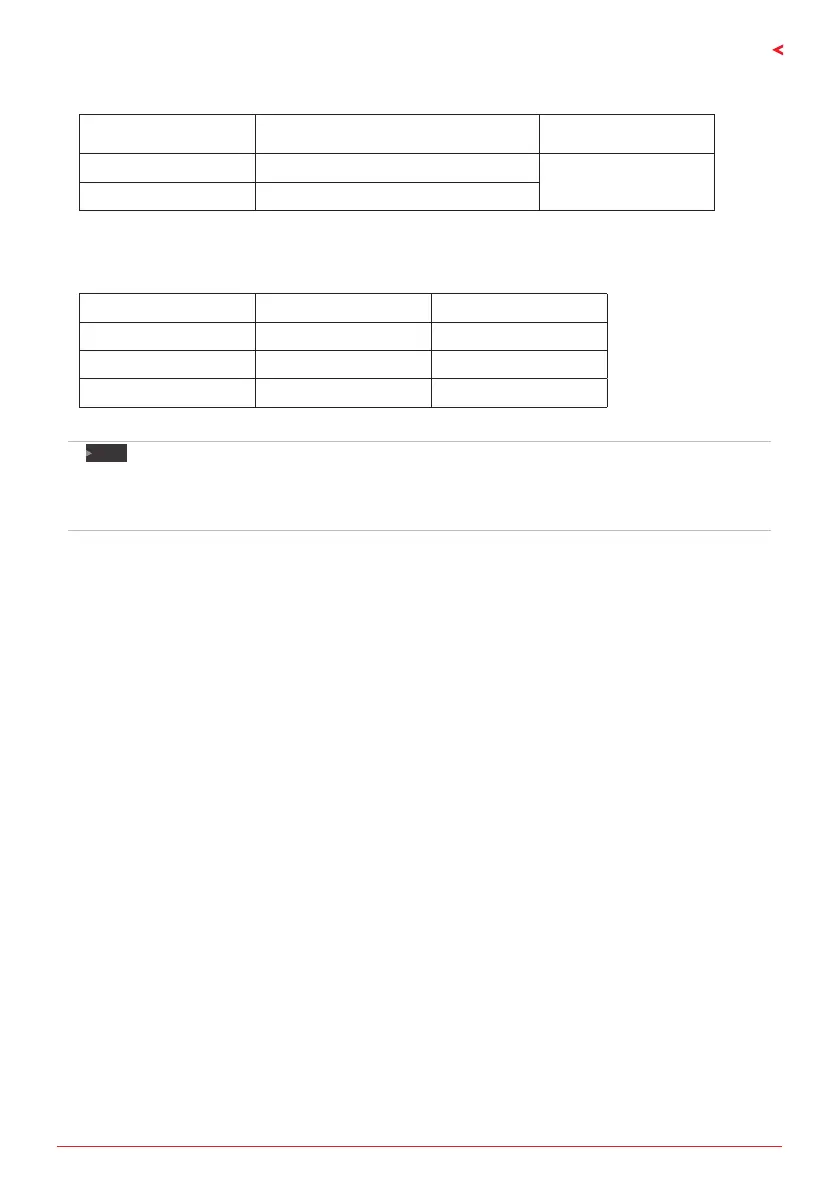
Memory Capacity
DIMM Socket Locaon DDR5 Module Total Memory Size
DDR5_A 8GB/ 16GB/ 24GB/ 32GB/ 48GB
Max is 96GB.
DDR5_B 8GB/ 16GB/ 24GB/ 32GB/ 48GB
Dual Channel Memory Installaon
Please refer to the following requirements to acvate Dual Channel funcon:
Install memory module of the same density in pairs, shown in the table.
Dual Channel Status DDR5_A DDR5_B
Disabled O X
Disabled X O
Enabled O O
(O means memory installed, X means memory not installed.)
Note
»
»
When installing more than one memory module, we recommend to use the same brand and
capacity memory on this motherboard.
»
»
When installing a single memory, we recommend that you install it in the DDR5_B.









 To Next Page