TP67B+ UEFI BIOS Manual
10
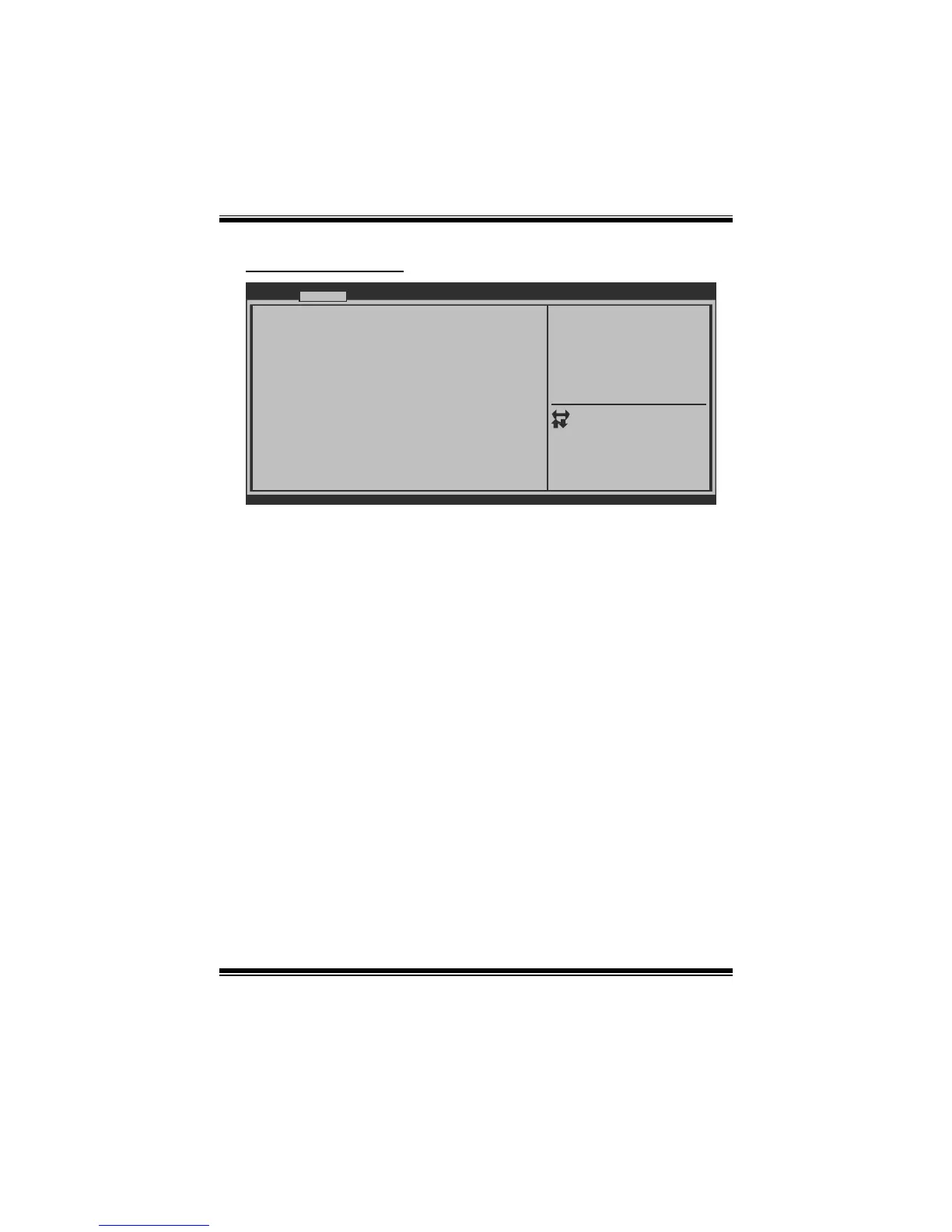
SATA Configuration
BIOS SETUP UTILITY
SATA Configuration
SATA Port1:
SATA Port2:
SATA Port3:
SATA Port4:
SATA Port5:
SATA Port6:
Serial-ATA Controller 0 [Compatible]
Serial-ATA Controller 1 [Enhanced]
SATA Mode [IDE Mode]
Version x.xx.xxxx. Copyright© 201x, American Megatrends, Inc.
Advanced
(1) IDE Mode. (2) AHCI Mode.
(3) RAID Mode.
Select Screen
Select Item
Select
Change Opt.
General Help
Optimized Defaults
Save & Reset
Exit
Enter
+/-
F1
F3
F4
ESC
SATA Mode
This item sets SATA Mode.
Options: IDE Mode (Default) / AHCI Mode / RAID Mode / Disabled
Serial-ATA Controller 0
This item enables/disables Serial ATA Controller 0.
Options: Compatible (Default) / Disabled / Enhanced
Serial-ATA Controller 1
This item enables/disables Serial ATA Controller 1.
Options: Enhanced (Default) / Disabled
Aggressive Link Power Management
Aggressive Link Power Management Support.
Options: Enabled (Default) / Disabled
Spin Up Device
If this item is enabled for any of ports, Staggered Spin Up will be performed, and
only the drives that have this option enabled will spin up at boot. Otherwise, all
drives spin up at boot.
Options: Disabled (Default) / Enabled








 To Next Page