TP67B+ UEFI BIOS Manual
11
Hot Plug
SATA Ports Hot Plug Support.
Options: Enabled (Default) / Disabled
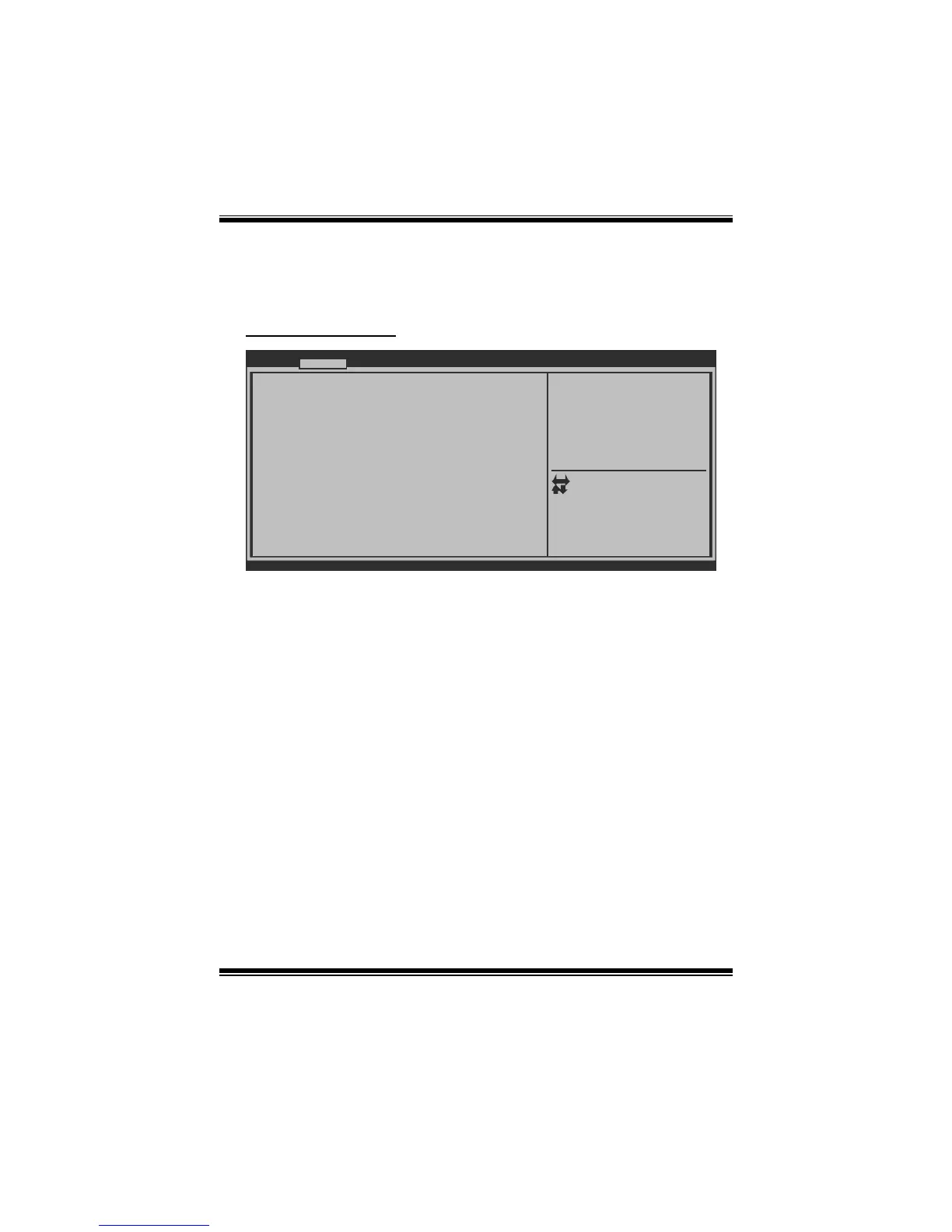
USB Configuration
BIOS SETUP UTILITY
USB Configuration
USB Devices:
EHCI Hand-off [Disabled]
Port 60/64 Emulation [Enabled]
Legacy USB Support [Enabled]
Version x.xx.xxxx. Copyright© 201x, American Megatrends, Inc.
Advanced
Enables Legacy USB support.
AUTO opiton disables legacy
support if no USB devices are
connected. DISABLE option
will keep USB devices
available only for EFI
applications.
Select Screen
Select Item
Select
Change Opt.
General Help
Optimized Defaults
Save & Reset
Exit
Enter
+/-
F1
F3
F4
ESC
Legacy USB Support
This item determines if the BIOS should provide legacy support for USB devices
like the keyboard, mouse, and USB drive. This is a useful feature when using such
USB devices with operating systems that do not natively support USB (e.g.
Microsoft DOS or Windows NT).
Options: Enabled (Default) / Disabled / Auto
EHCI Hand-Off
This is a workaround for OSes without EHCI hand-off support. The EHCI ownership
change should be claimed by EHCI driver.
Options: Disabled (Default) / Enabled
Port 60/64 Emulation
This item enables I/O port 60h/64h emulation support. This should be enabled for the
complete USB keyboard legacy support for non-USB aware OSes.
Options: Enabled (Default) / Disabled








 To Next Page